Overview
LunoDB is a professional-grade, AI-powered database management client that combines traditional database management capabilities with cutting-edge AI features. Built with Electron, React, and TypeScript, it provides a modern, intuitive interface for managing multiple database types.
Database Support
LunoDB supports 8 major database systems, each with full feature integration and optimized performance.
MySQL
Version: 5.7+, 8.0+
Full SSL/TLS, SSH tunneling, multi-query execution
PostgreSQL
Version: 10+
Schema-aware, advanced data types, SSL/TLS support
SQLite
Version: 3.x
Local/in-memory databases, WAL mode, file associations
MariaDB
Version: 10.0+
MySQL-compatible, JSON operations, window functions
SQL Server
Version: 2016+
Windows Auth, Azure SQL, T-SQL execution
MongoDB
Version: 4.0+
Document operations, BSON, aggregation pipelines
Redis
Version: 6.0+
Key-value ops, data structures, Pub/Sub, clustering
Turso
Version: LibSQL
Edge SQLite, Auth Token support, full SQL operations
Connection Features
- SSH tunneling with key and passphrase support
- SSL/TLS encryption with certificate validation
- Connection pooling with configurable sizes
- Auto-reconnection on connection loss
- Real-time connection status monitoring
- Drag-and-drop connection reordering and grouping
Data Management
Query Execution
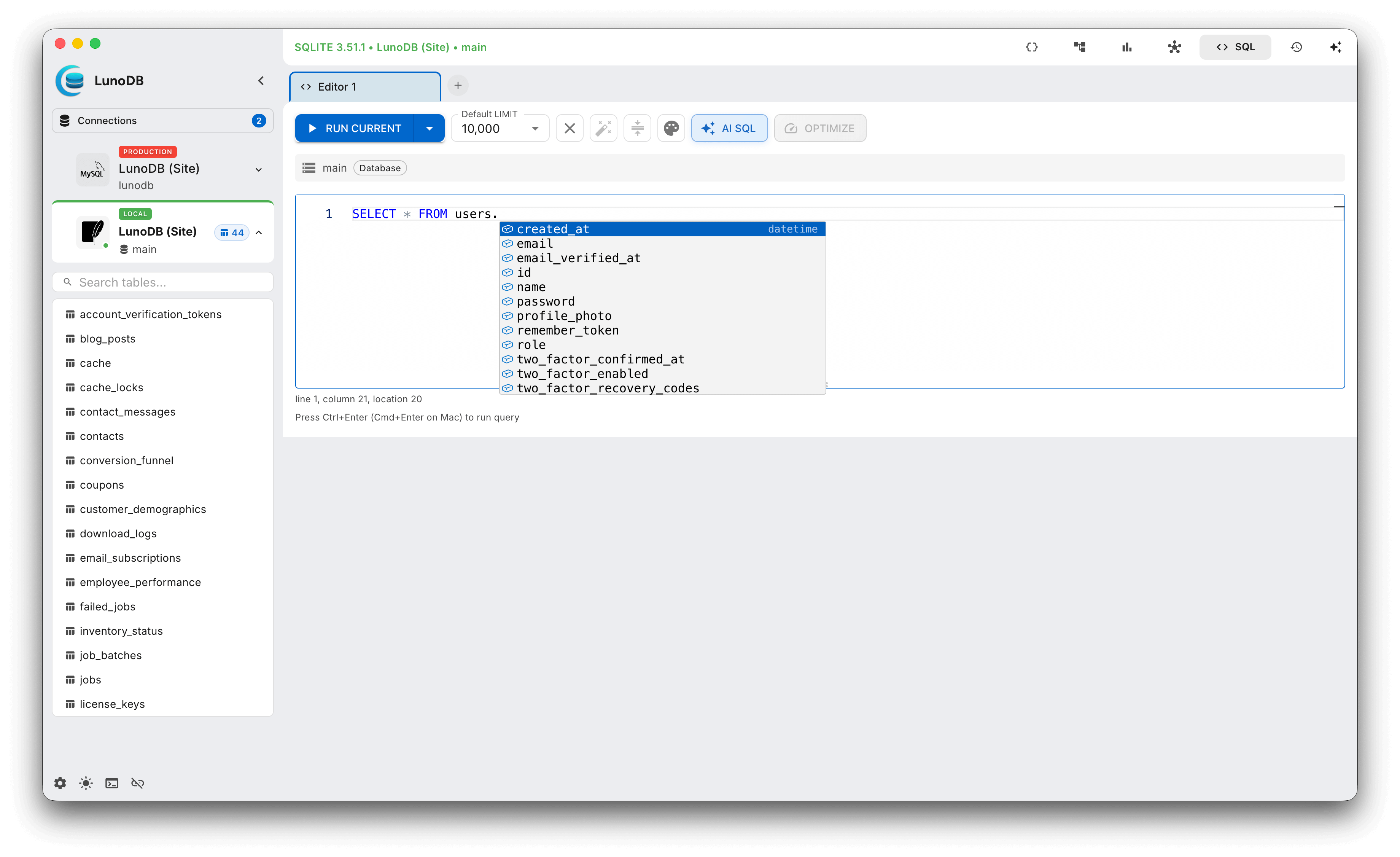
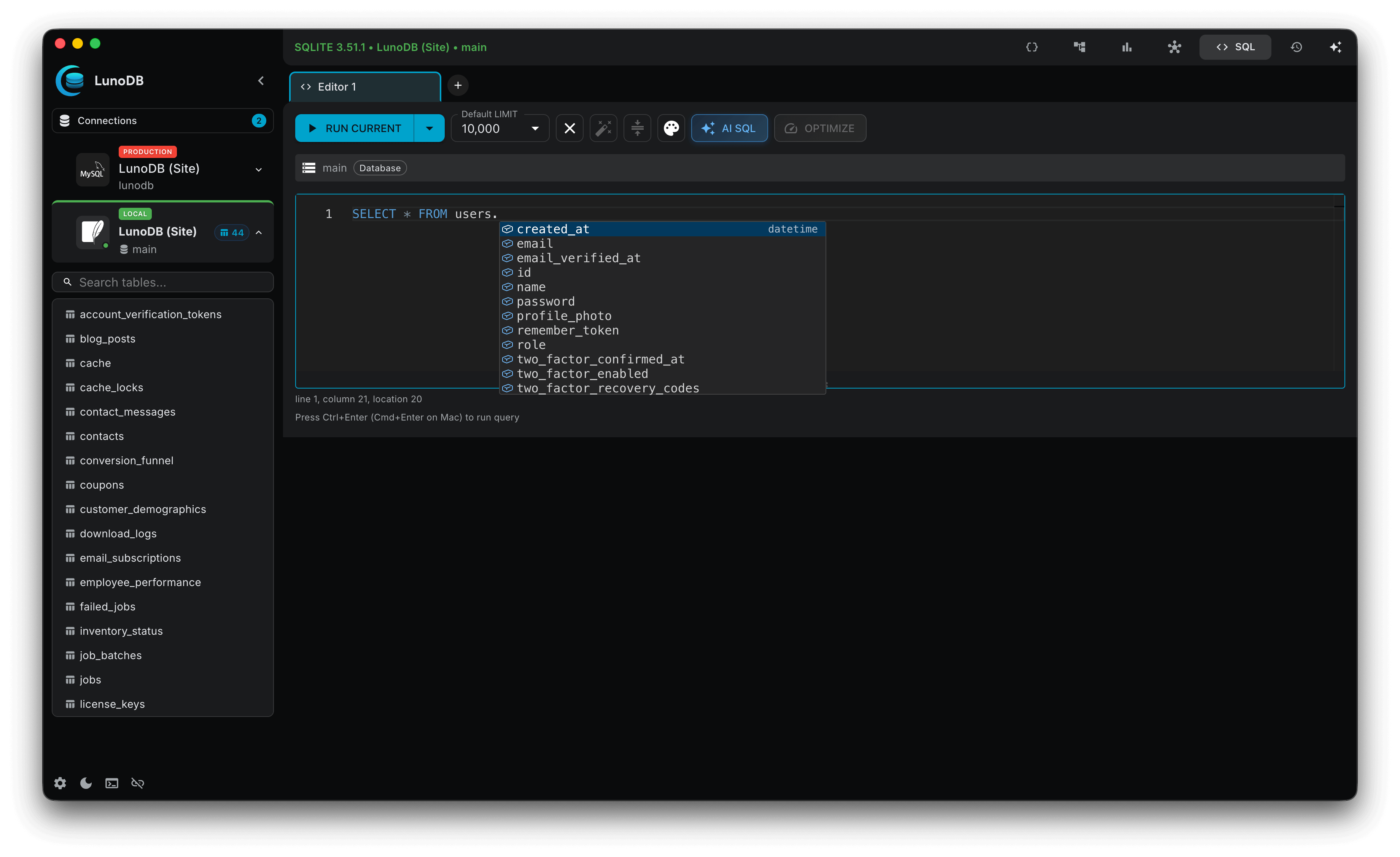
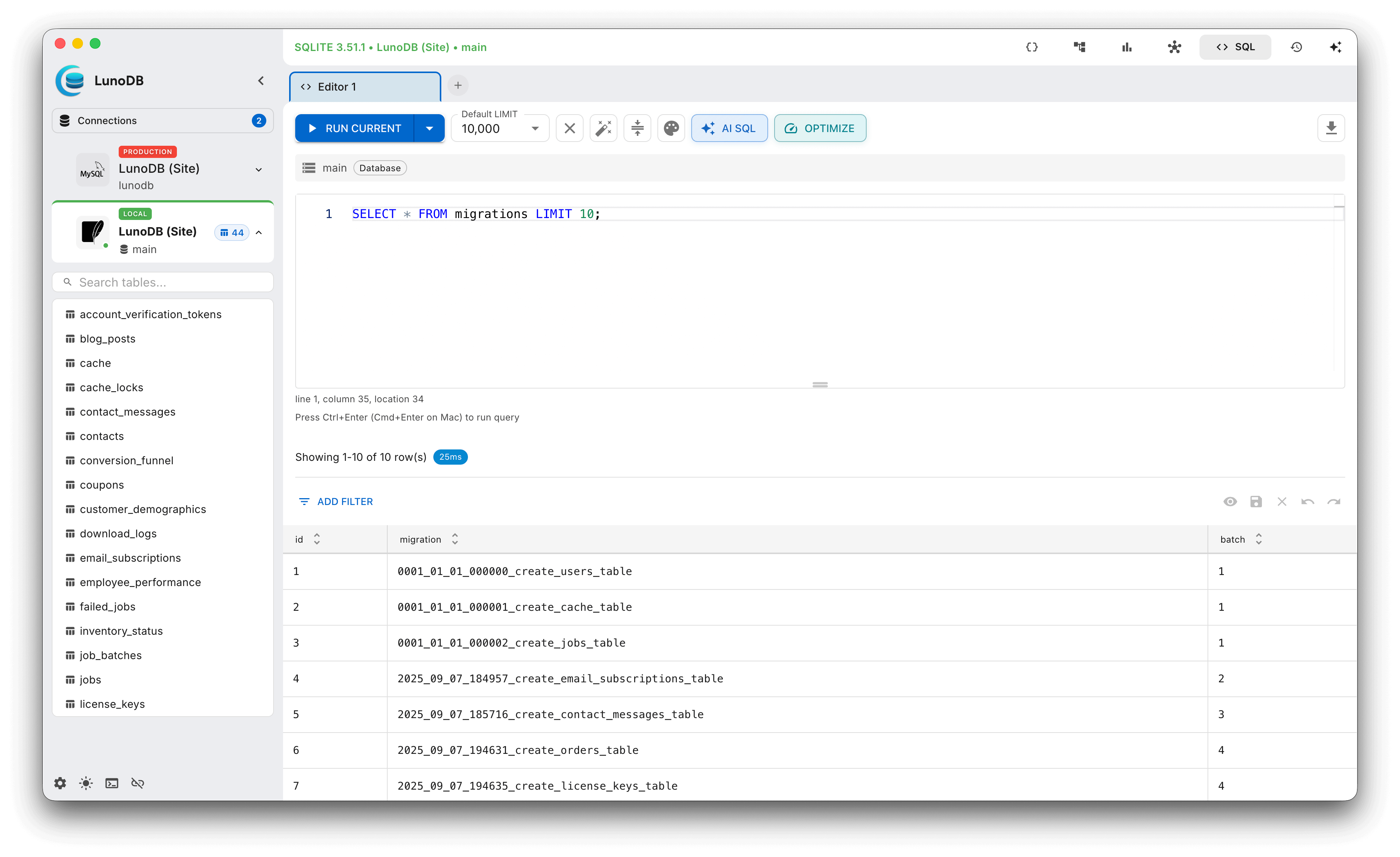
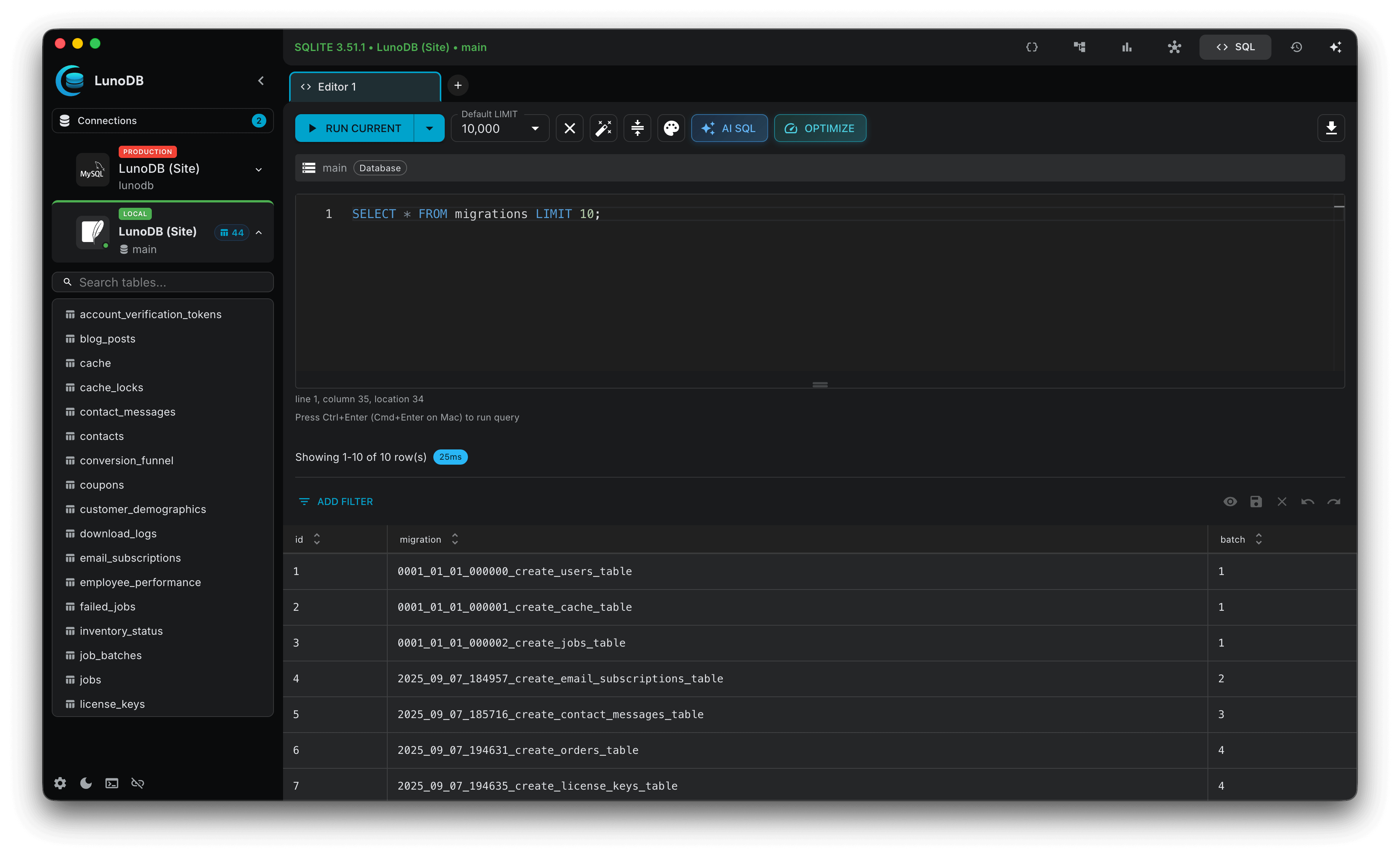
LunoDB provides a powerful query execution engine with advanced features for professional database management.
Query Features
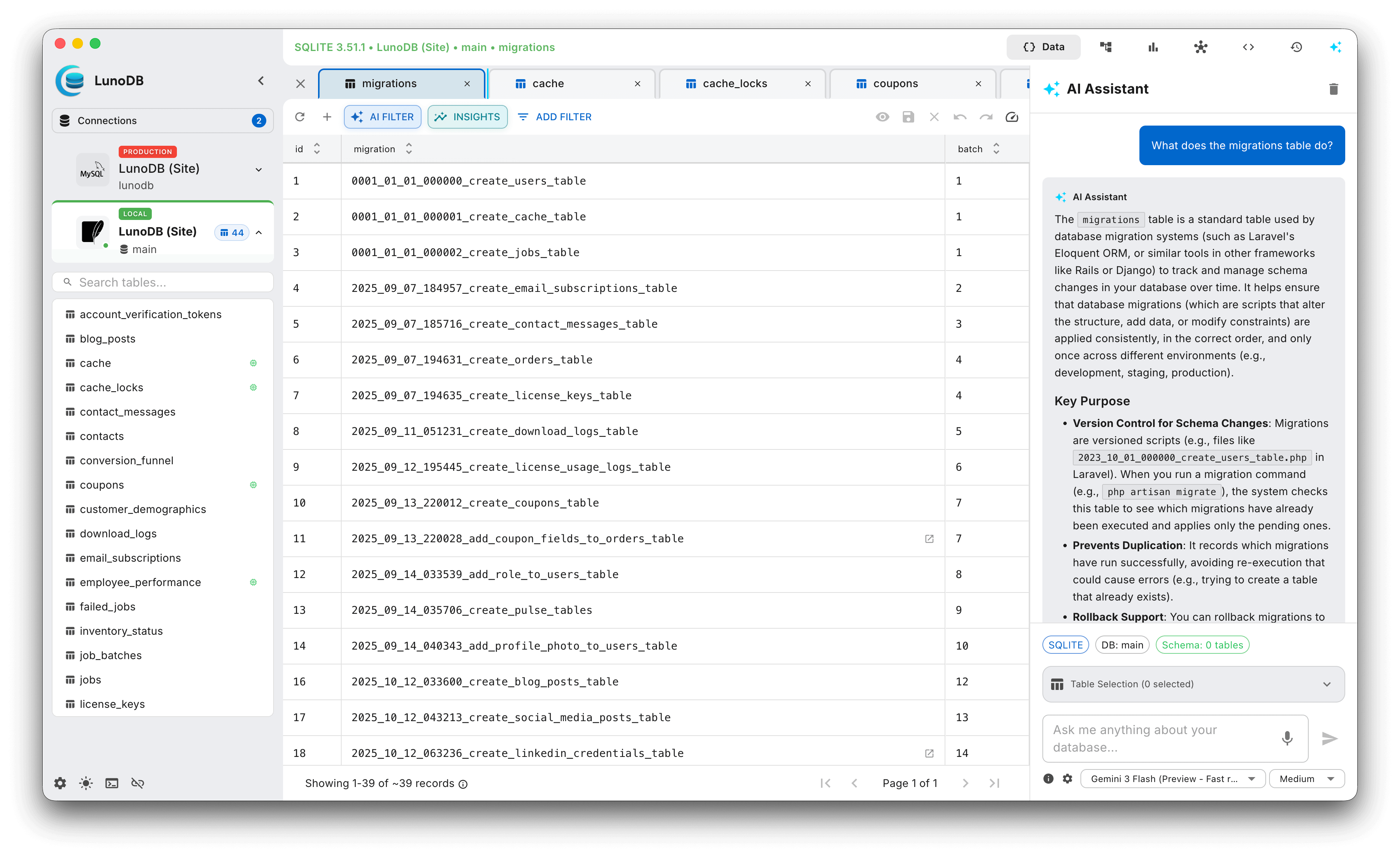
- Monaco-based SQL editor with IntelliSense
- Streaming query execution with real-time progress
- Multi-statement execution with toggleable visibility
- Query history with search and bookmarks
- Performance tracking and optimization hints
- Query cancellation support
- Last executed query display in table views
- Table analysis for query optimization
Table & Database Operations
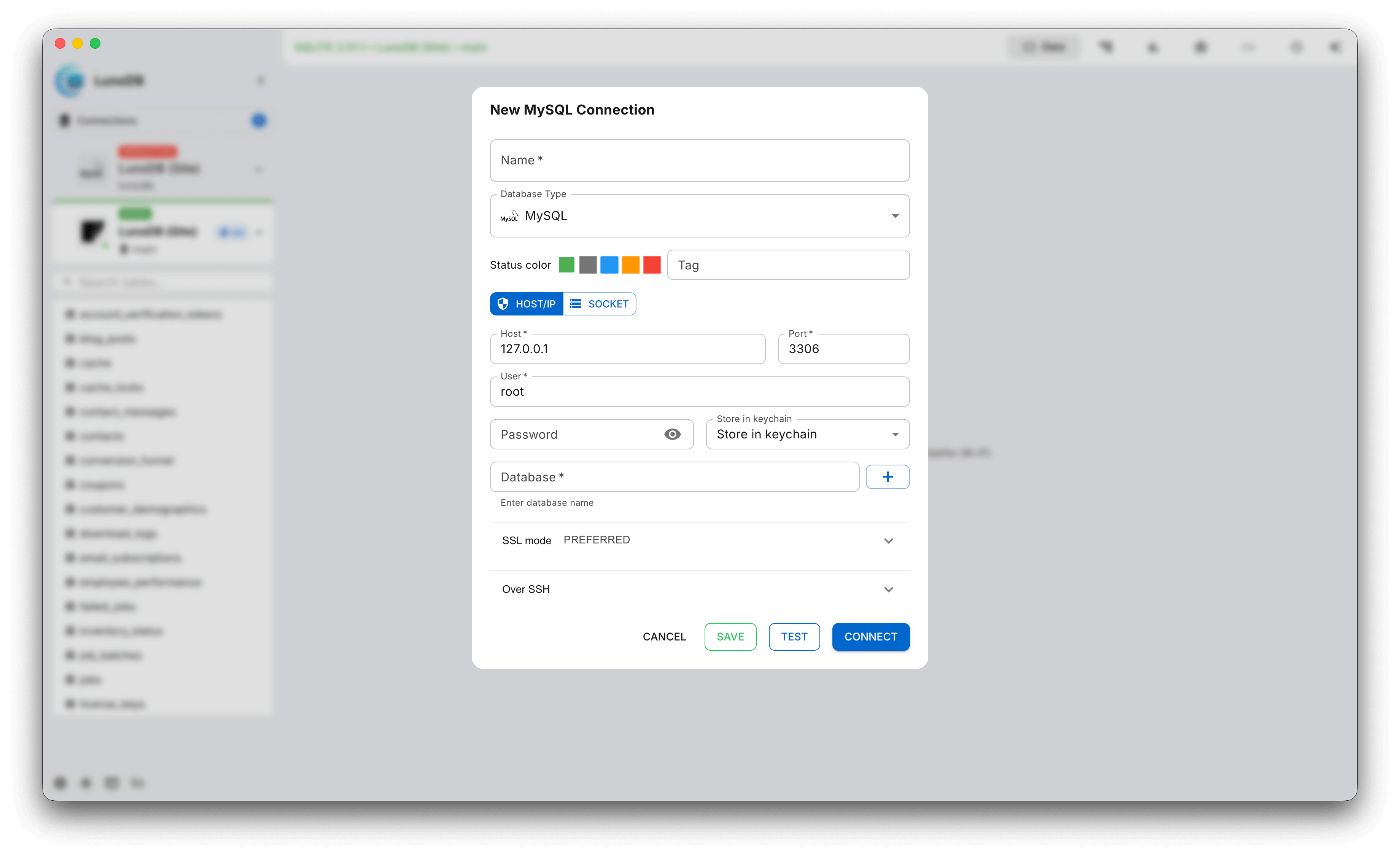
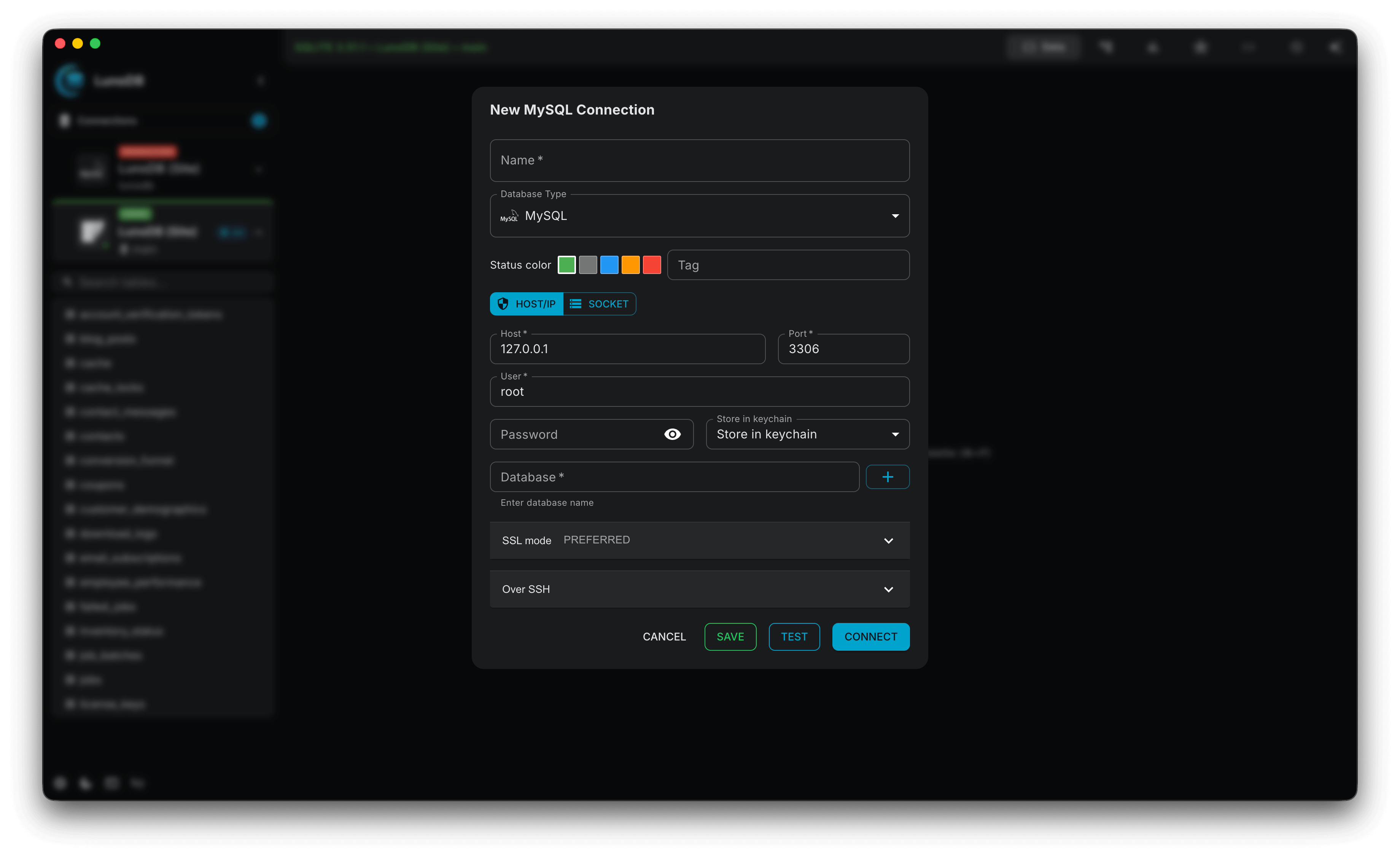
- Create databases directly from connection dialog
- Streamlined column creation with AddColumnForm
- Inline column editing in structure view
- Tabbed interface for multiple tables
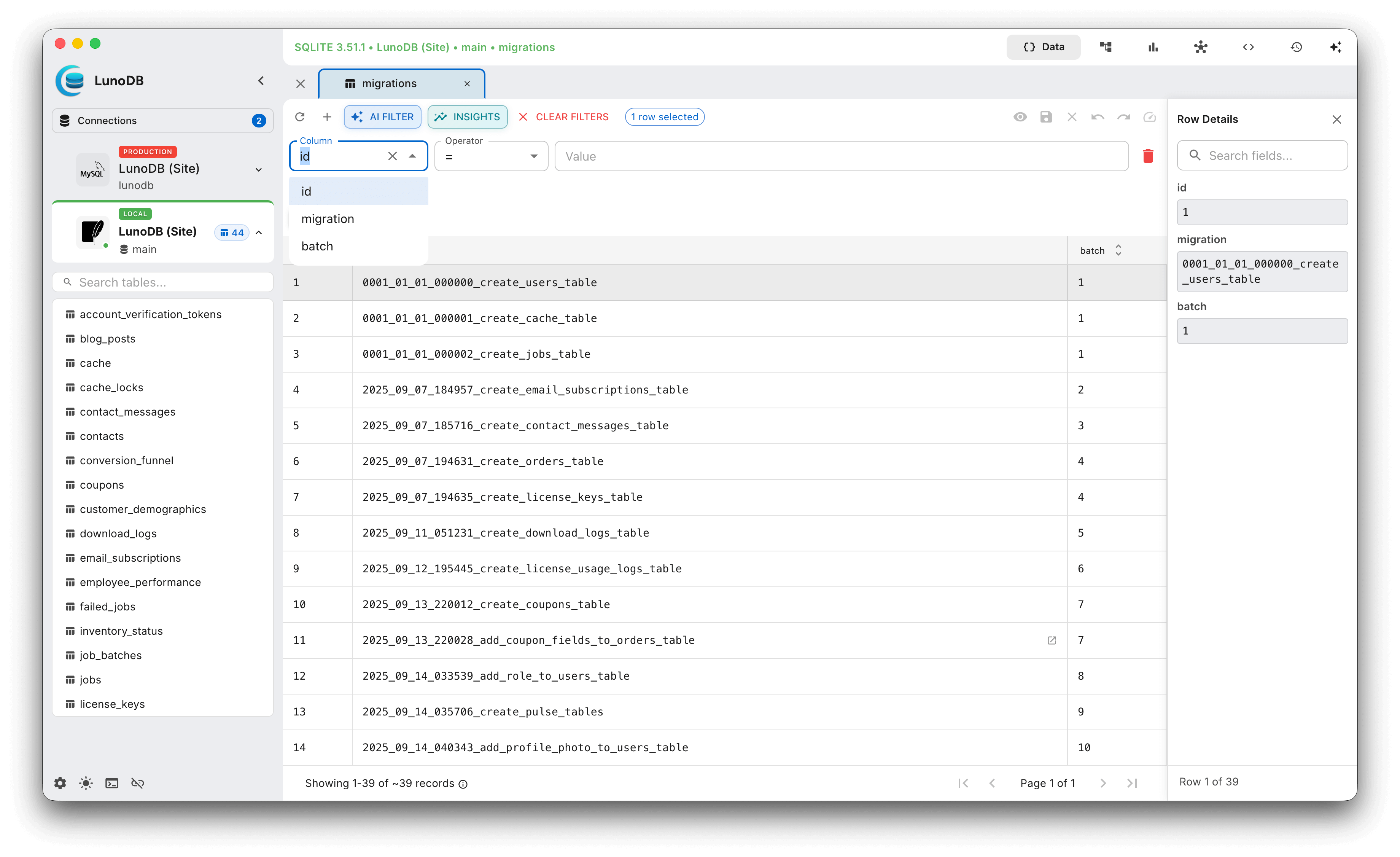
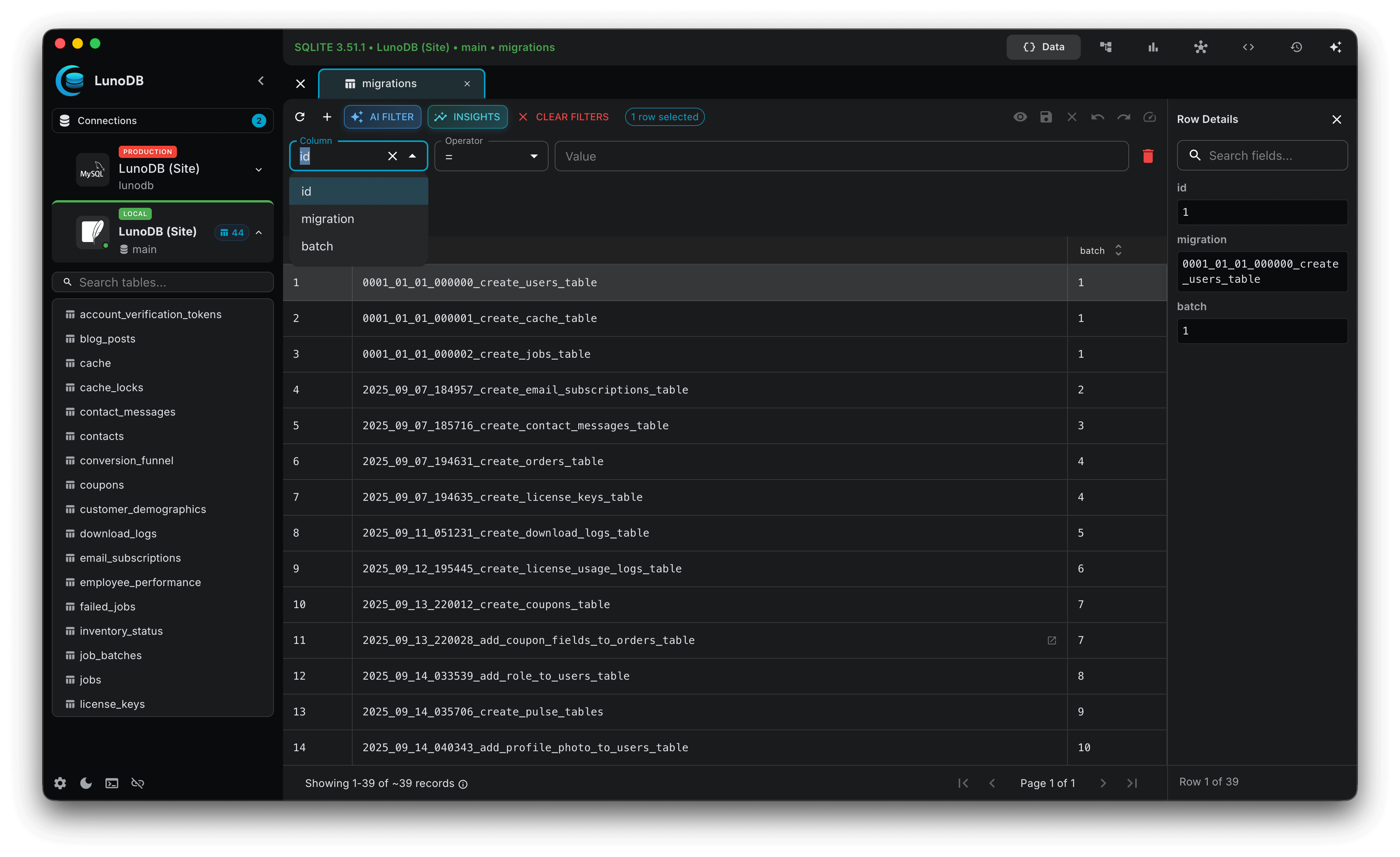
- Inline cell editing with validation
- Multi-column sorting and filtering
Data Editing
- Type-aware input validation for all data types
- Expandable text fields for viewing large content instantly
- Before/after comparison for UPDATE operations - review changes side-by-side before saving
- Pending changes protection with warning dialogs
- Undo/redo support for all changes
- Bulk edit support with multi-row selection
- Copy & paste rows with keyboard shortcuts (⌘C/Ctrl+C to copy, ⌘V/Ctrl+V to paste)
- Large field editor for long text and blobs
- Change tracking with review before applying
- Production safety with confirmation dialogs
AI-Powered Features
LunoDB integrates cutting-edge AI to help you work with databases more efficiently. Use natural language to write queries, generate filters, and get intelligent assistance.
Supported AI Providers
OpenAI
GPT-6 Astra, GPT-5.6 Sol, Terra & Luna
Anthropic
Claude Fable 5.1, Opus 5, Sonnet 5
Gemini 3.8, 3.7 & 3.6 Flash, 3.5 Flash Lite
xAI
Grok 4.3, Grok 4.20 Multi-Agent
DeepSeek
Chat, Coder, Reasoner
OpenRouter
Hundreds of models
Ollama
Run AI offline locally
Custom
Any OpenAI-compatible API
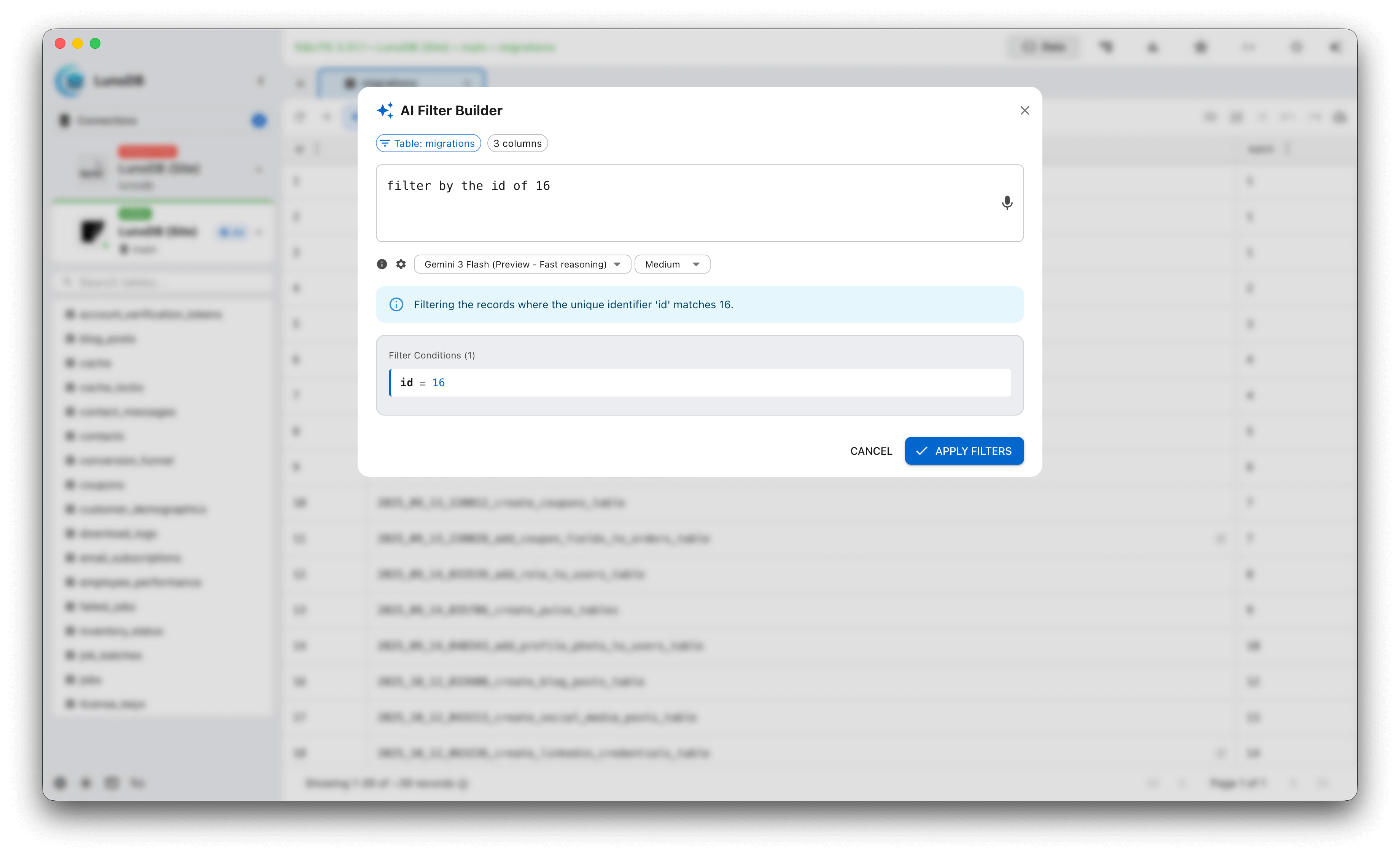
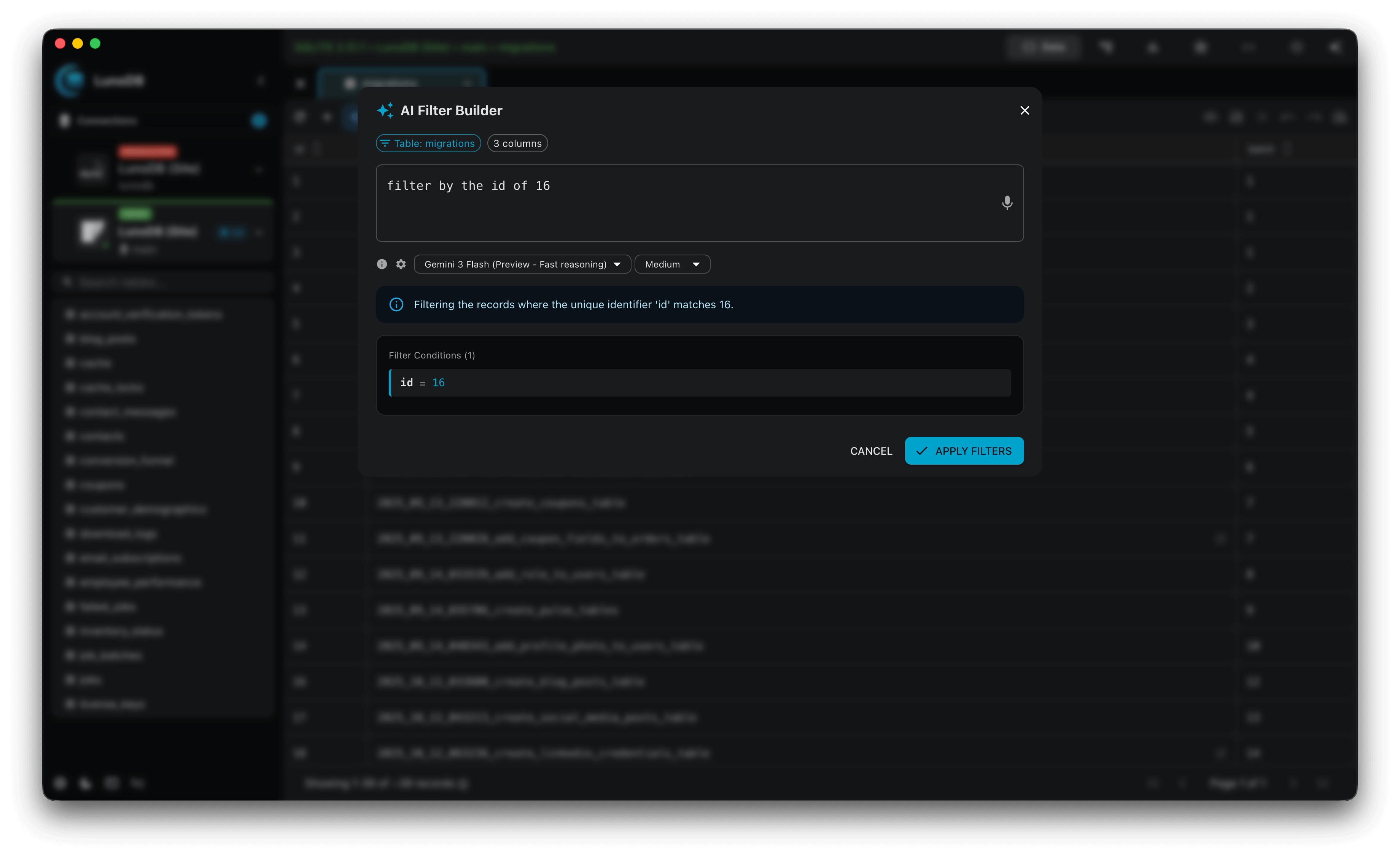
Natural Language to SQL
- Voice dictation for hands-free SQL queries
- Describe queries in plain English
- Schema-aware query generation
- Query explanation in human terms
- Validation before execution
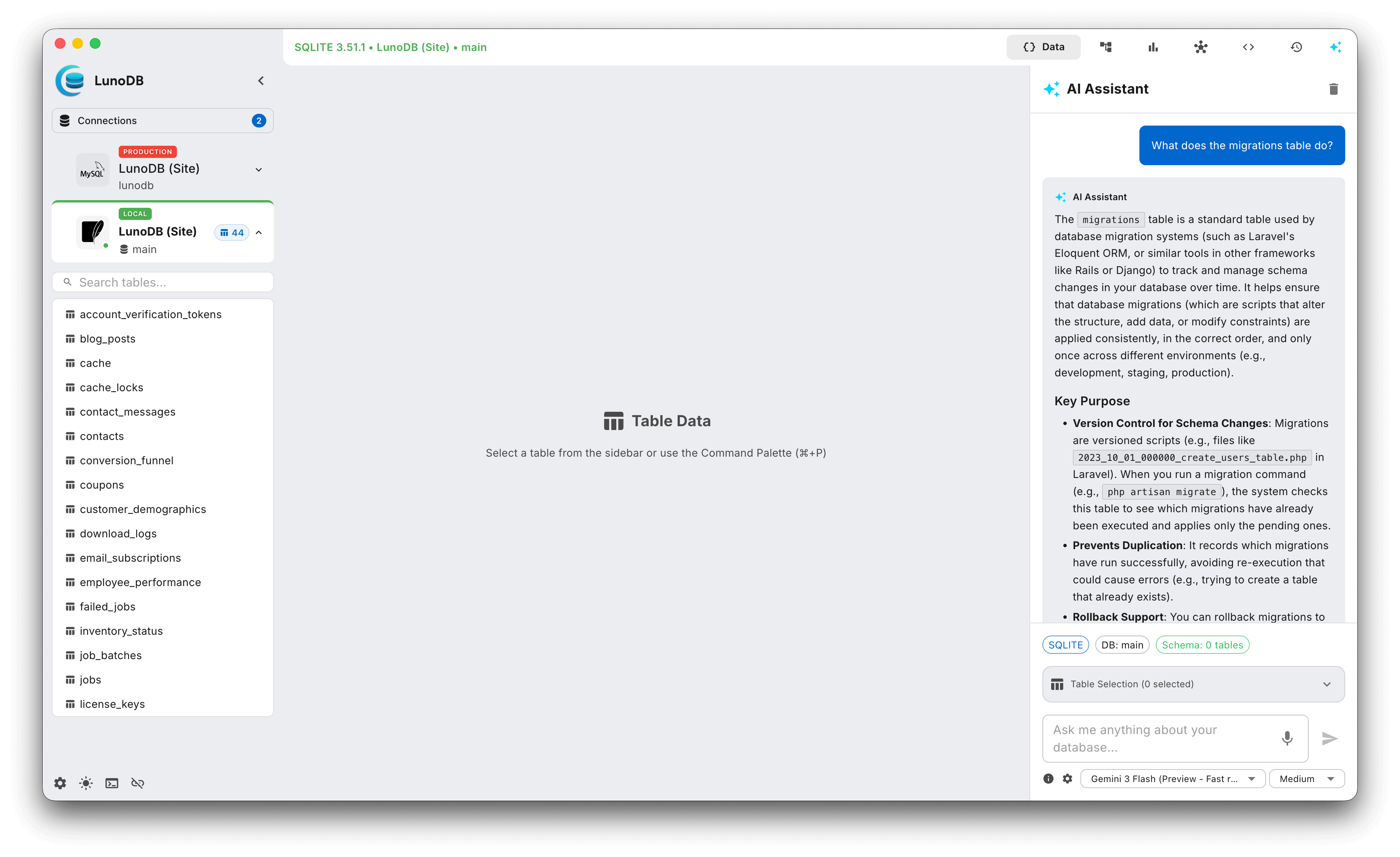
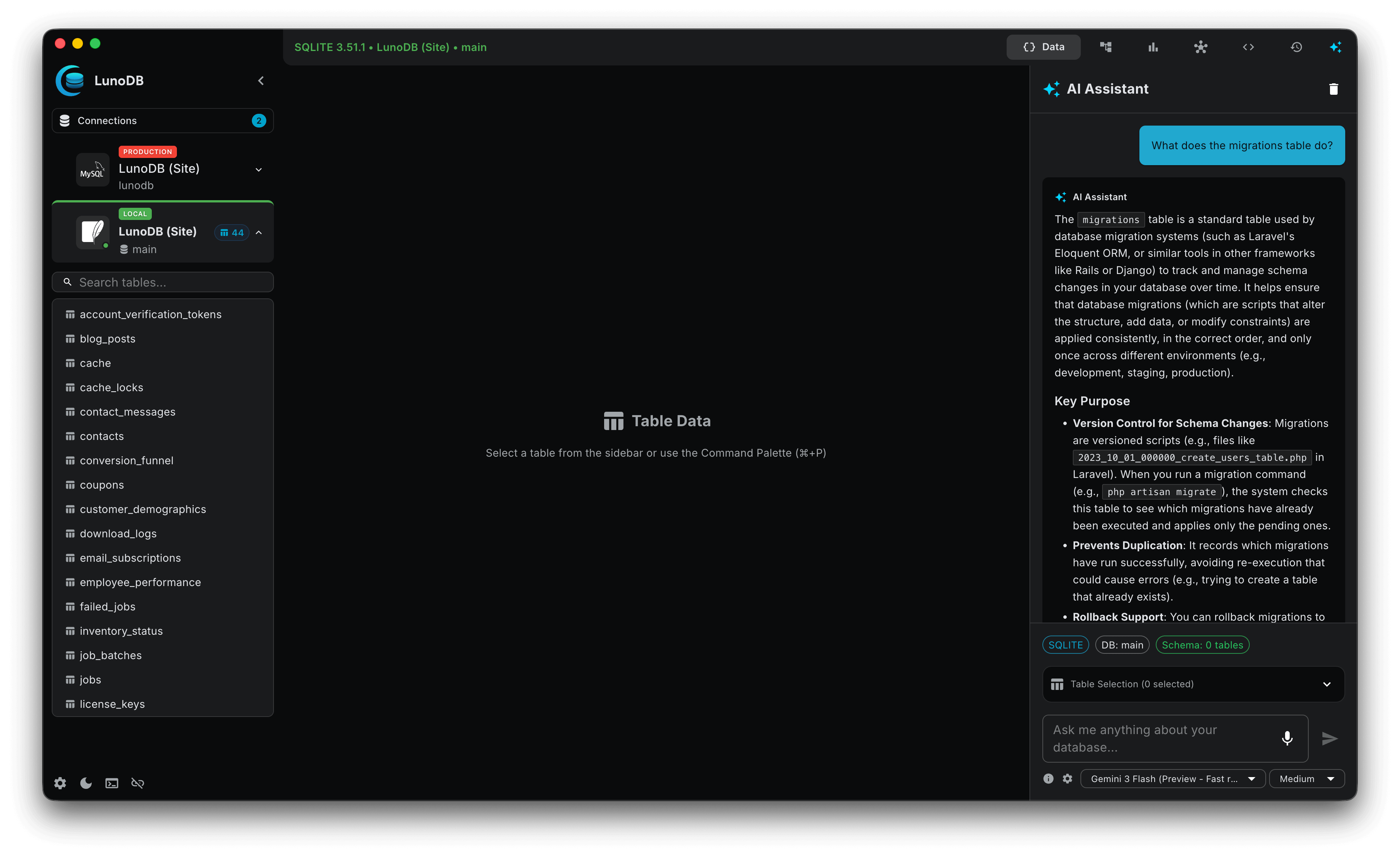
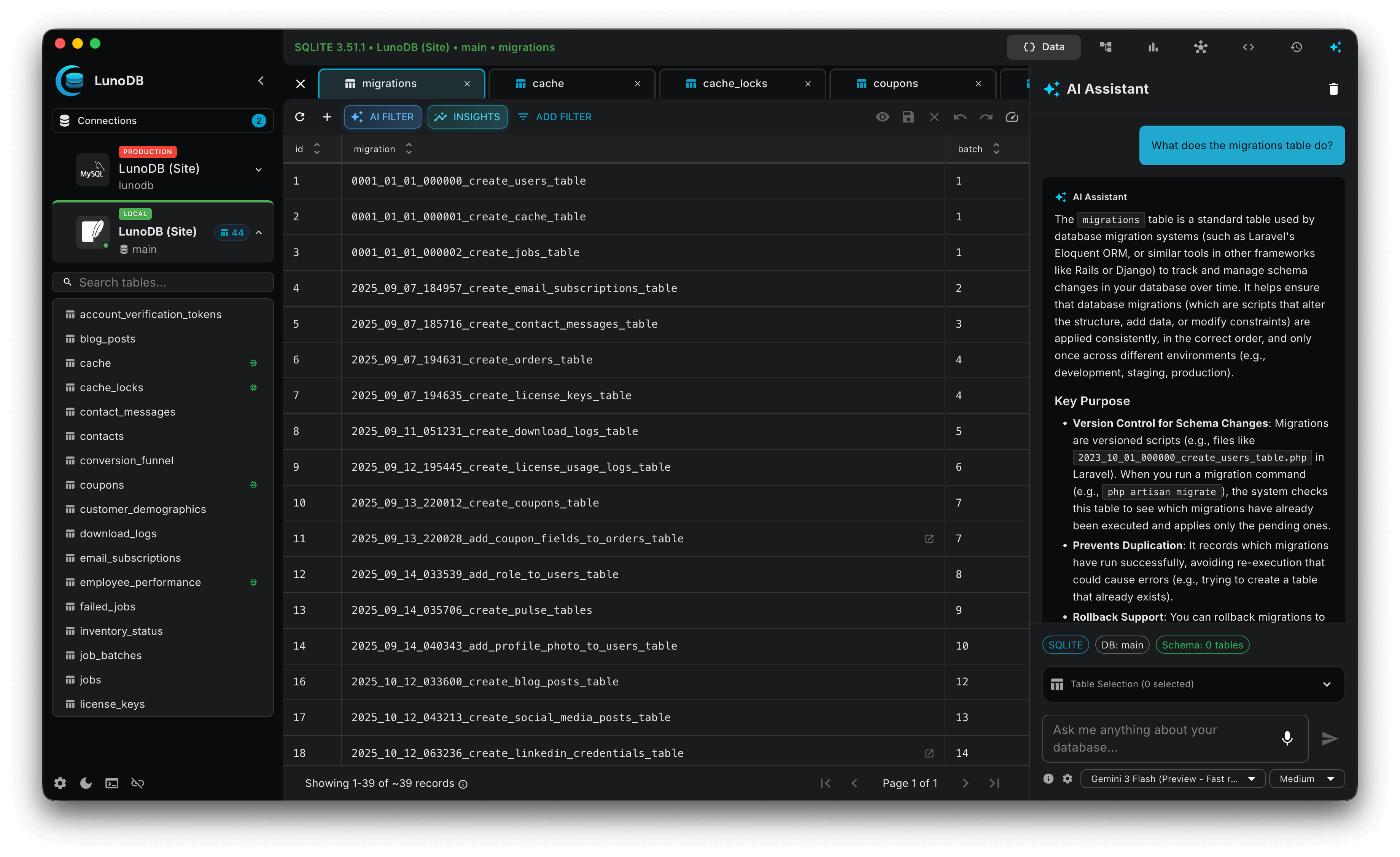
AI Chat Assistant
- Conversational database help
- Conversations persist across sessions
- Schema questions and insights
- Query optimization suggestions
- Error debugging assistance
AI Data Insights
- Analyze table data for meaningful patterns
- Preview context before AI analysis
- Works with all 8 AI providers
- Respects your model settings
AI Query Optimizer
- Get performance improvement suggestions
- Automatic table extraction from queries
- Context-aware schema suggestions
- Preview query and schema context
Column Statistics
- View detailed statistics for any column
- Value distributions, null counts, and more
- Available directly from table view interface
Privacy & Security
- Your own API keys - complete control
- Encrypted API key storage
- Schema-only mode - no data sent to AI
- No data retention by LunoDB
Data Visualization
Transform your data into beautiful, interactive charts with LunoDB's powerful visualization tools. Let AI create charts for you or build custom visualizations using your own SQL queries.
AI-Powered Graphs
- Ask AI to create charts based on your data
- Automatic analysis of your database schema
- Intelligent suggestions for chart types
- Quick-start data analysis with AI assistance
Custom SQL Charts
- Build charts using your own SQL queries
- Full control over data visualization
- Support for complex aggregations and joins
- Flexible charting for any data scenario
Chart Types
Line Charts
Time-series trends
Bar Charts
Compare categories
Pie Charts
Part-to-whole
Area Charts
Cumulative data
Scatter Plots
Data correlations
Line Chart
Perfect for tracking changes over time, such as sales trends, user growth, or performance metrics.
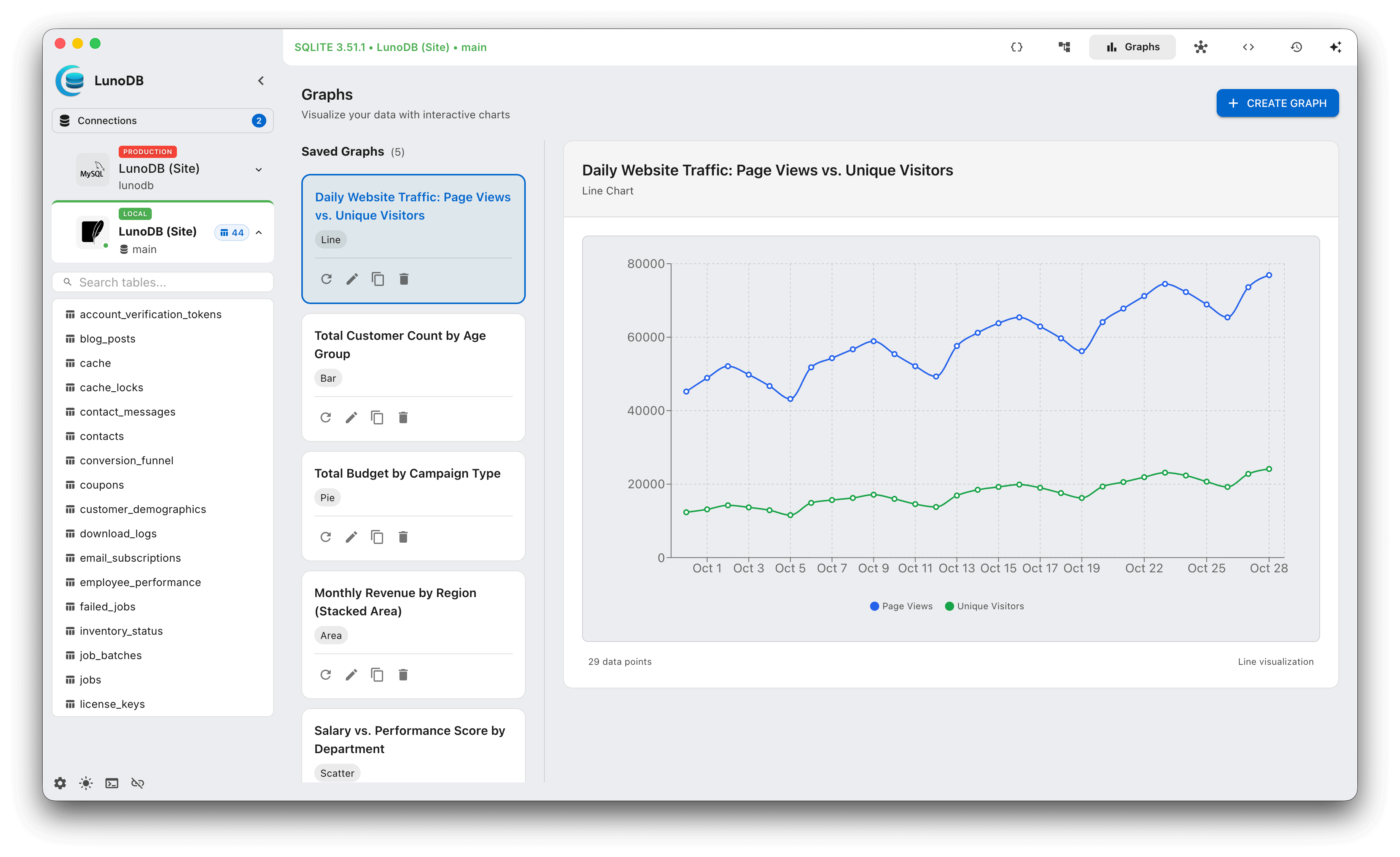
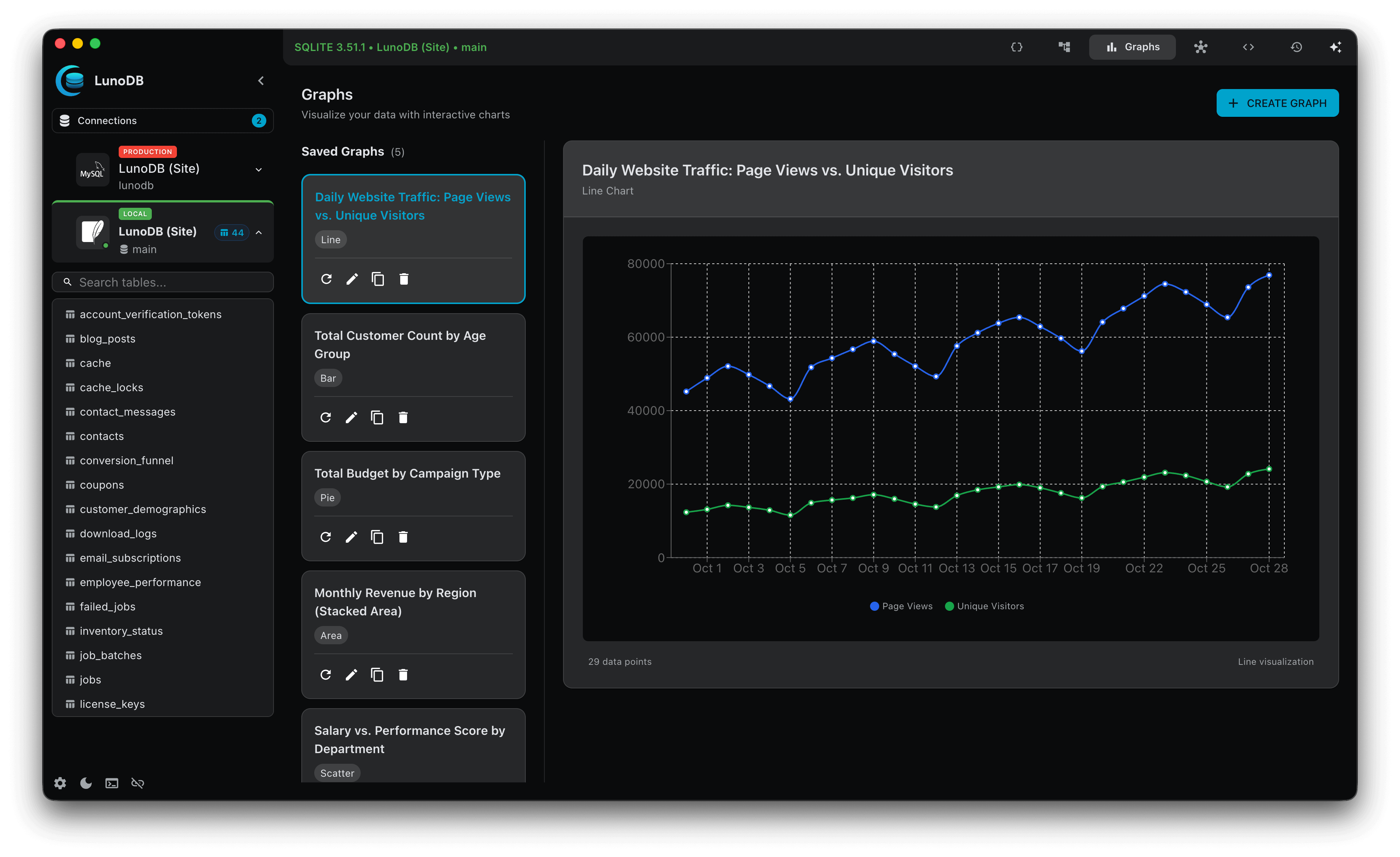
Features
- Custom color schemes for charts
- Smart date formatting in tooltips
- Interactive tooltips with data details
- Responsive design for all screen sizes
- Save graphs per connection and database
- Create, edit, view, and delete graphs
- Graphs included in database backups
- Automatic restoration with backup data
Graph Management
All your visualizations are organized by connection and database, making it easy to access and manage your most important charts. Graphs are automatically included in backups and restored together with your data.
Workspace & Schema Visualization
Visualize your database relationships with interactive diagrams and work across multiple independent workspace windows for true parallel workflows. LunoDB v1.11.0 brings powerful new features for understanding your schema and managing complex projects.
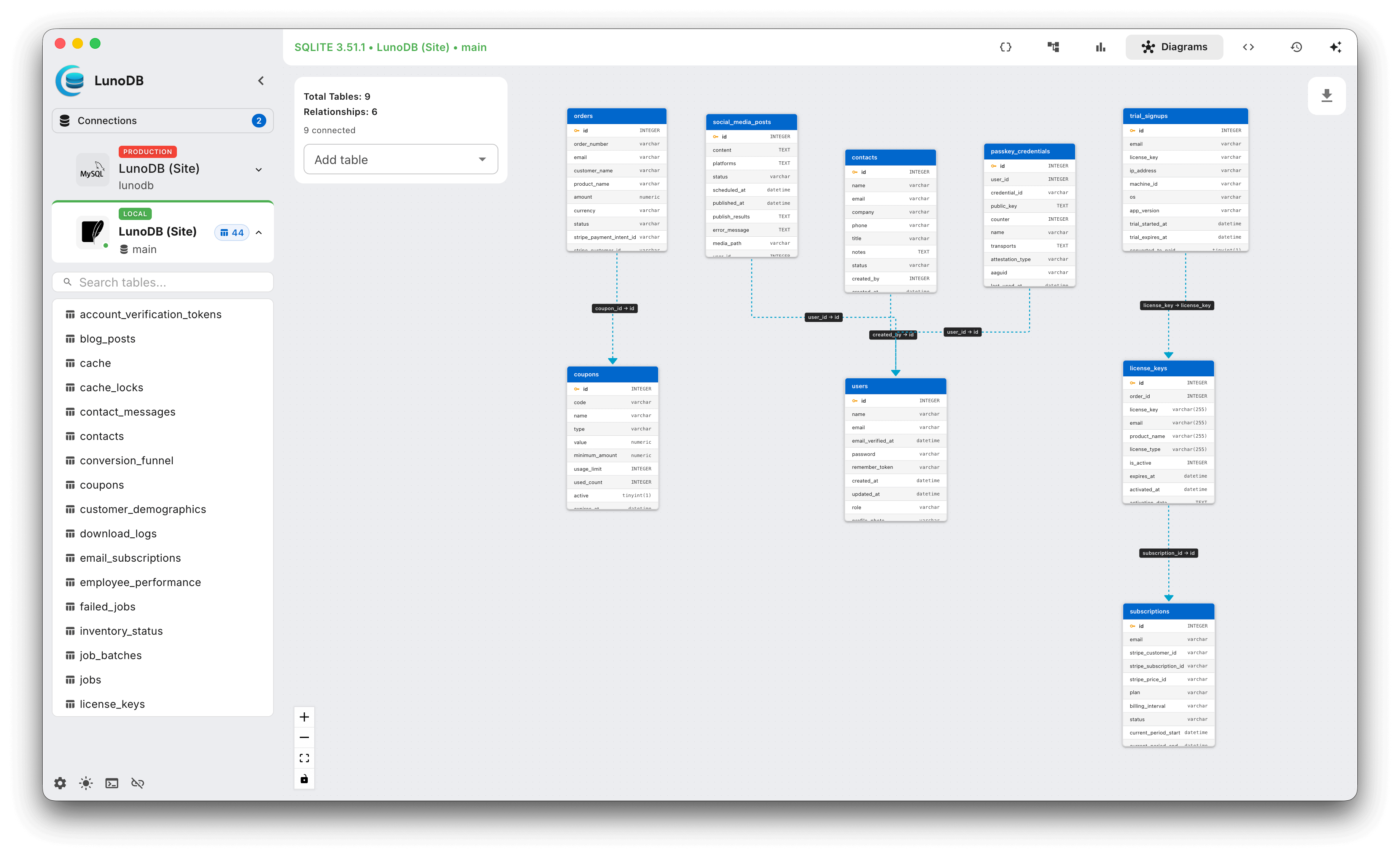
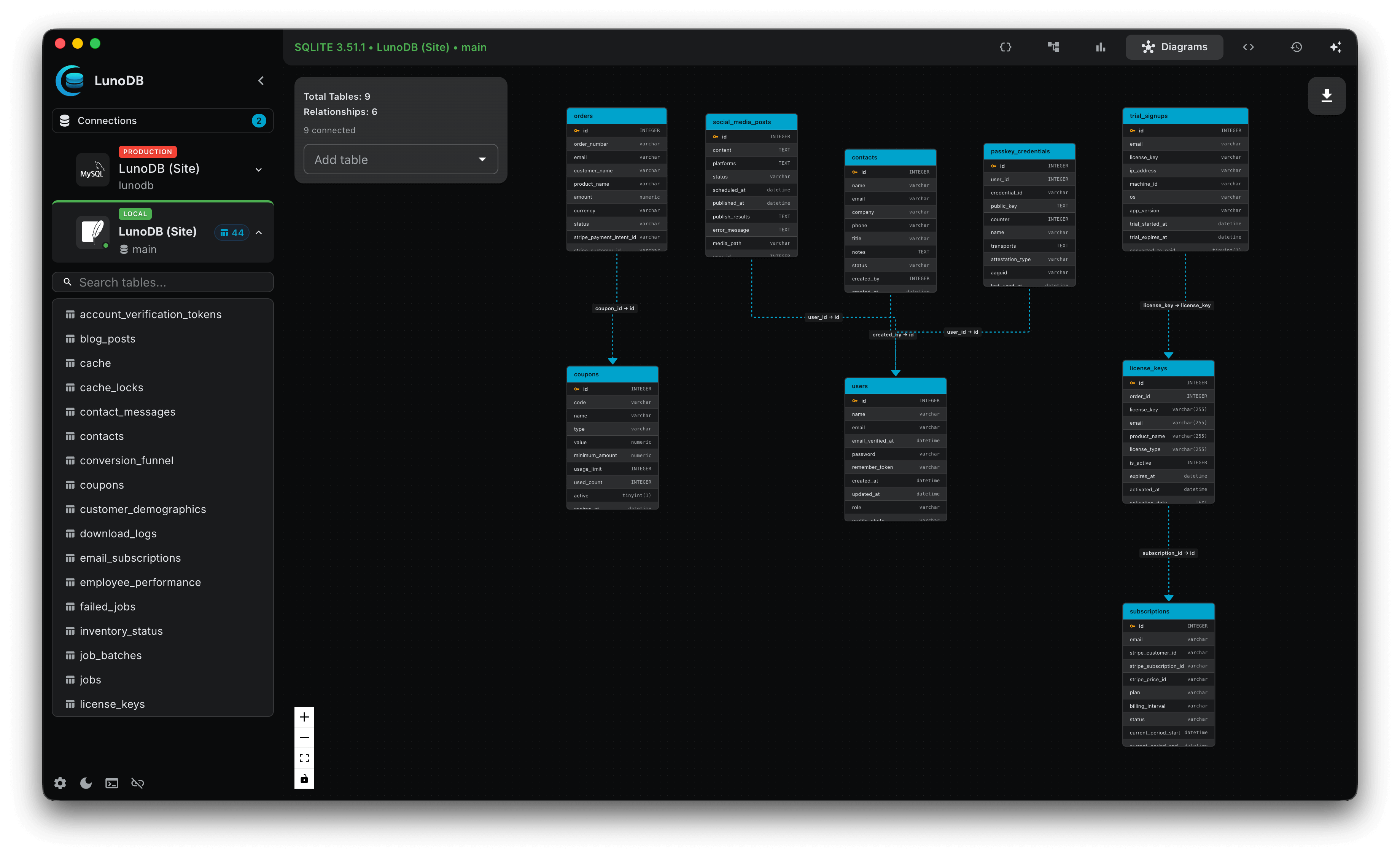
Schema Relationship Diagrams
- Visual representation of tables and foreign keys
- Interactive diagram with drag-and-drop repositioning
- Automatic layout generation
- Works with all database types
- Export diagrams as high-quality images
- Perfect for documentation and presentations
Multi-Workspace Windows
- Open multiple independent workspace windows
- Each workspace has its own tabs and state
- Work on multiple databases side-by-side
- No interference between workspaces
- Smart session restoration per workspace
- Shared global settings (themes, fonts, licenses)
Enhanced User Experience
- Audio feedback for connections and query execution
- Subtle, professional sound effects
- Fully customizable - enable or disable in Settings
- Platform-aware keyboard shortcuts (⌘ on macOS, Ctrl on Windows/Linux)
- Enhanced workspace state persistence
- More reliable workspace initialization
Use Cases
Documentation
Export schema diagrams for technical documentation, onboarding materials, and architecture reviews
Multi-Environment
Work on development, staging, and production databases simultaneously without confusion
Schema Understanding
Quickly understand complex database relationships and foreign key constraints visually
Import & Export
Export Formats
- CSV with customizable delimiters
- JSON structured format
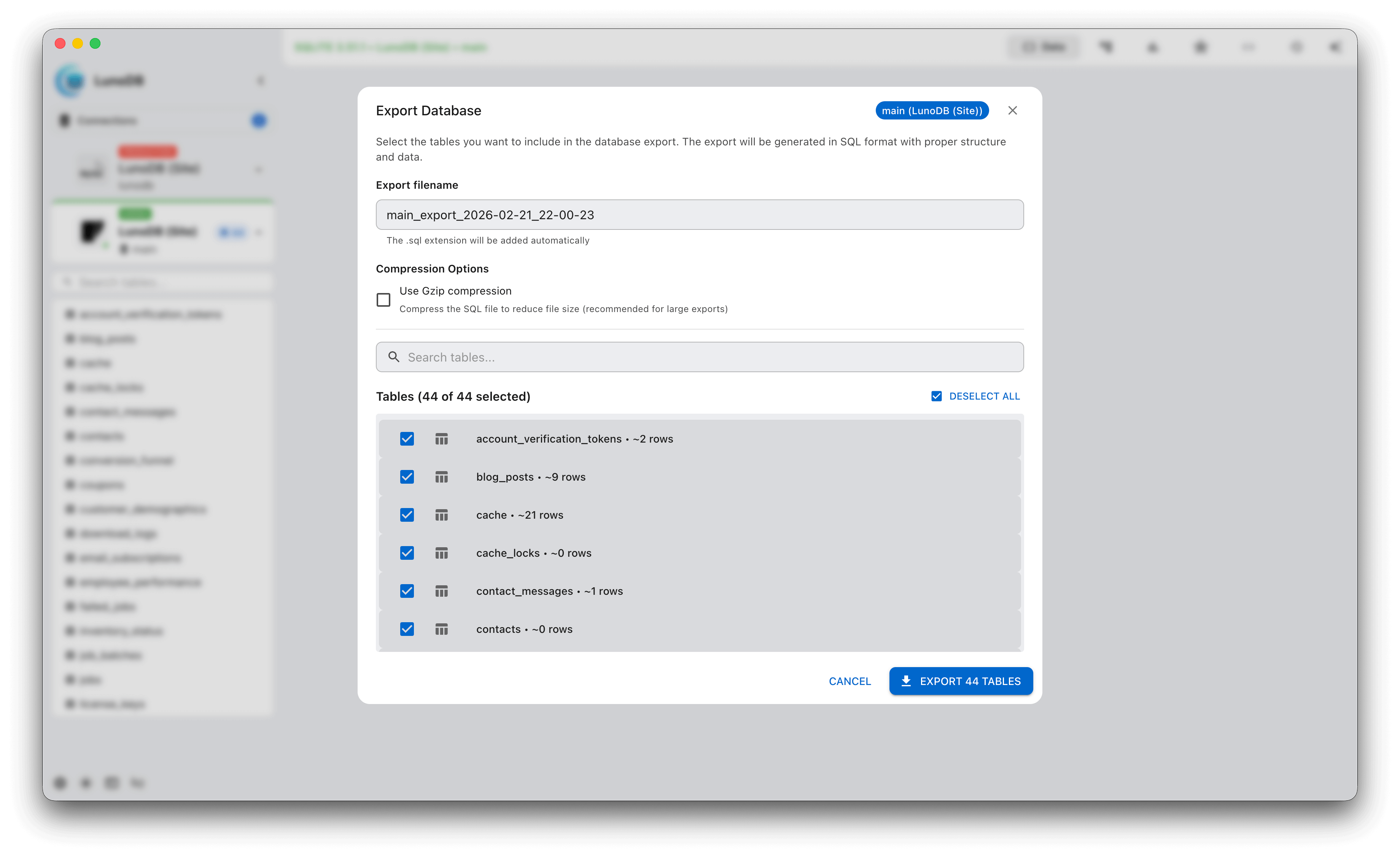
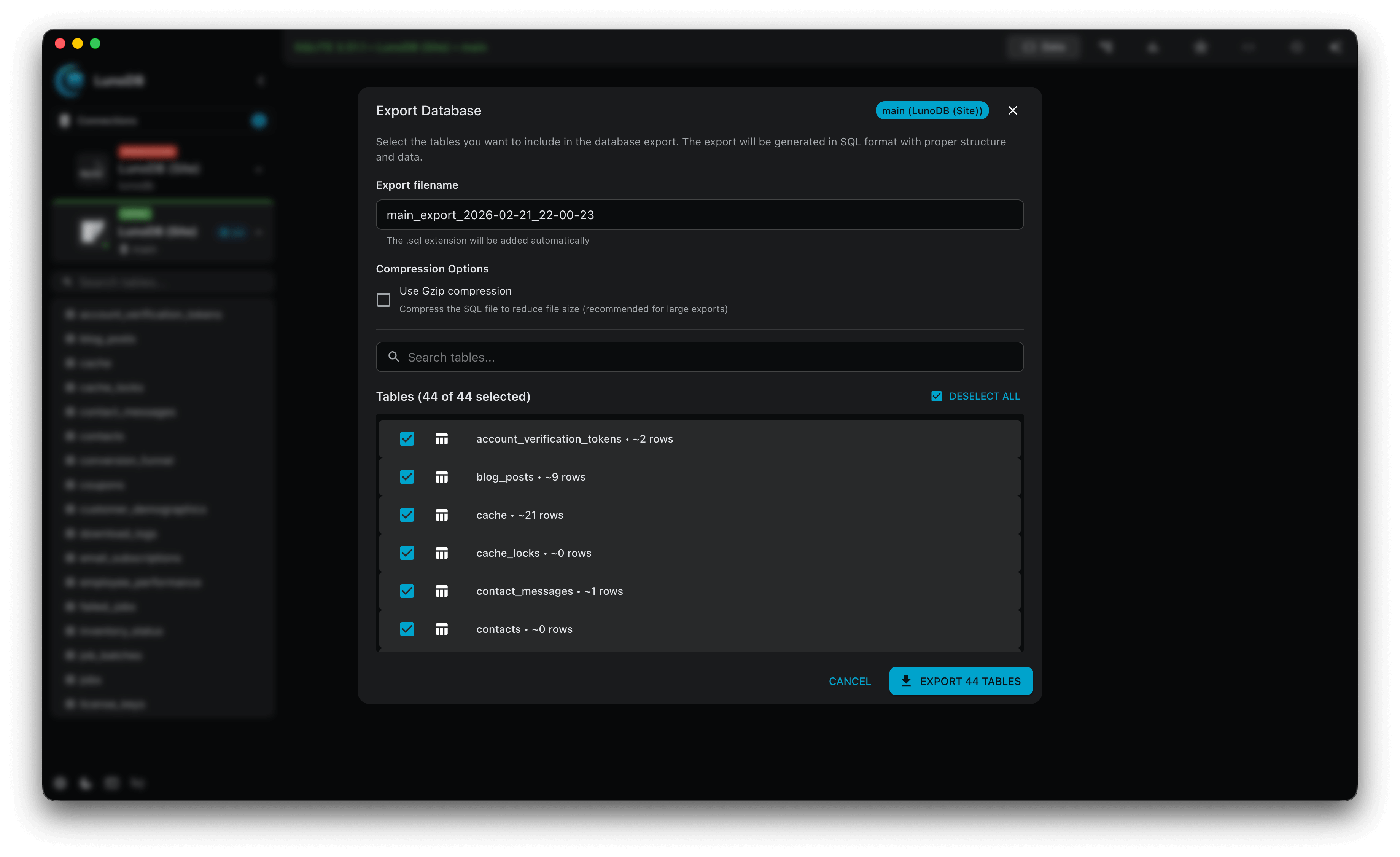
- SQL INSERT statements
- TSV (tab-separated values)
- Streaming capability for massive datasets
- Gzip compression support
- Progress tracking with time estimates
- Minimizable dialog for background exports
- Timestamped filenames for better organization
Import Capabilities
- CSV parsing with mapping
- SQL dump file execution
- Compressed .sql.gz file import
- Streaming for large files
- Preview before commit
- Drag-and-drop support
- CLI import for large files (mysql, psql, sqlite3, sqlcmd)
CLI Import
For large SQL dumps (100MB+), LunoDB offers CLI import which executes SQL files directly through your database's command-line tool. This bypasses LunoDB's SQL parser for faster, more reliable imports of complex dump files.
Supported Databases
mysqlMySQL/MariaDB
psqlPostgreSQL
sqlite3SQLite
sqlcmdSQL Server
mysqlMariaDB
Installation
CLI import requires the database command-line tool to be installed on your system. LunoDB will guide you through installation when you enable CLI import.
macOS (Homebrew)
Windows
Linux (Debian/Ubuntu)
Note: After installing CLI tools, you may need to restart LunoDB for PATH changes to take effect. SQLite (sqlite3) is pre-installed on macOS.
Backup & Restore
- Full database snapshots with password encryption
- Selective backup of query history, settings, and connections
- Custom .lunobackup format with encryption
- Scheduled backup configuration
Developer Tools
User Management
- Create and delete database users
- Configure user privileges
- View current permissions
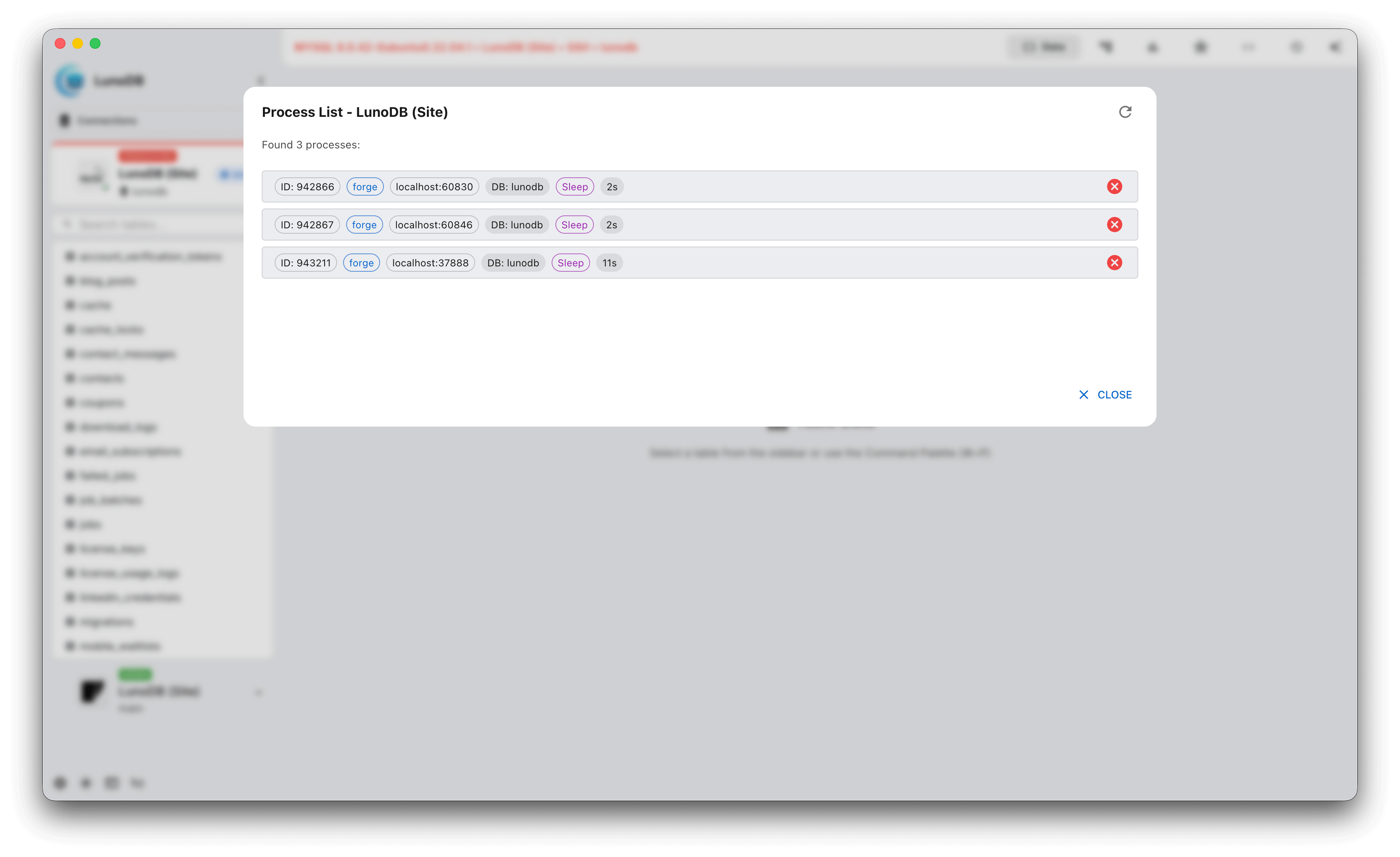
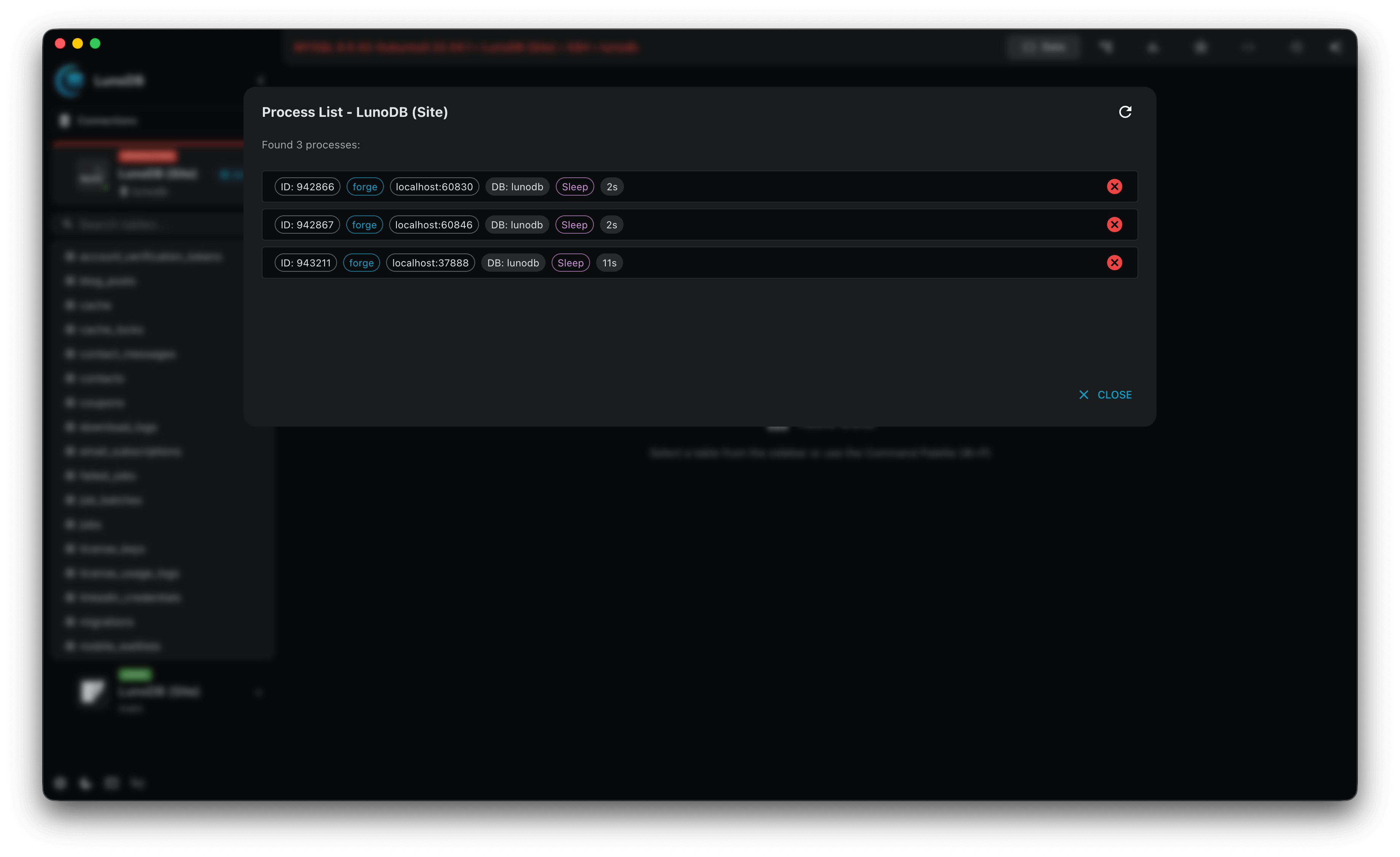
Process Management
- Monitor running queries
- Kill long-running processes
- Real-time process updates
Database Operations
- Create and drop databases with safety confirmations
- Truncate tables with data preservation warnings
- Table creation wizard with field configuration
- Add/drop columns with type validation
- Index and foreign key management
User Interface
Theme System
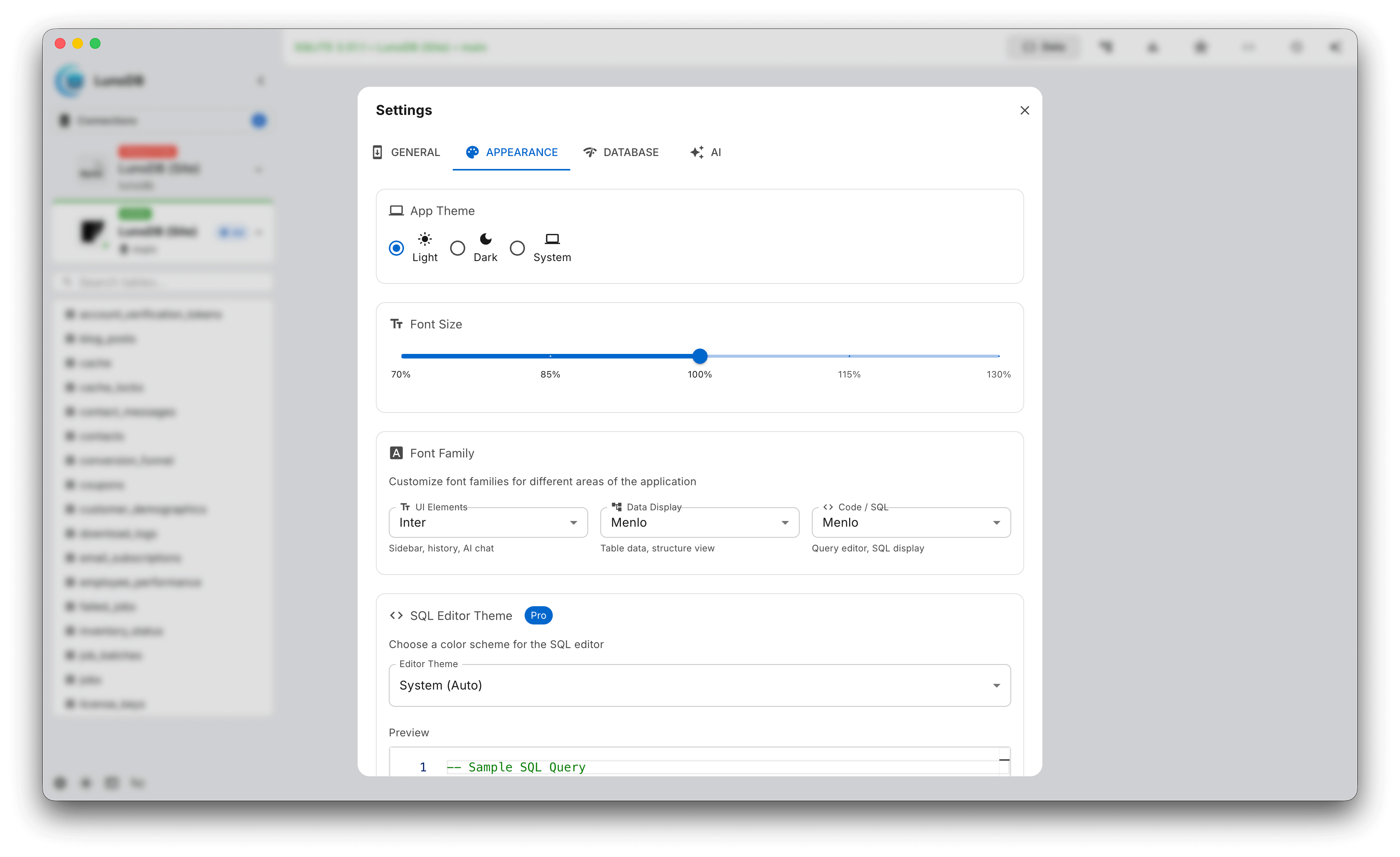
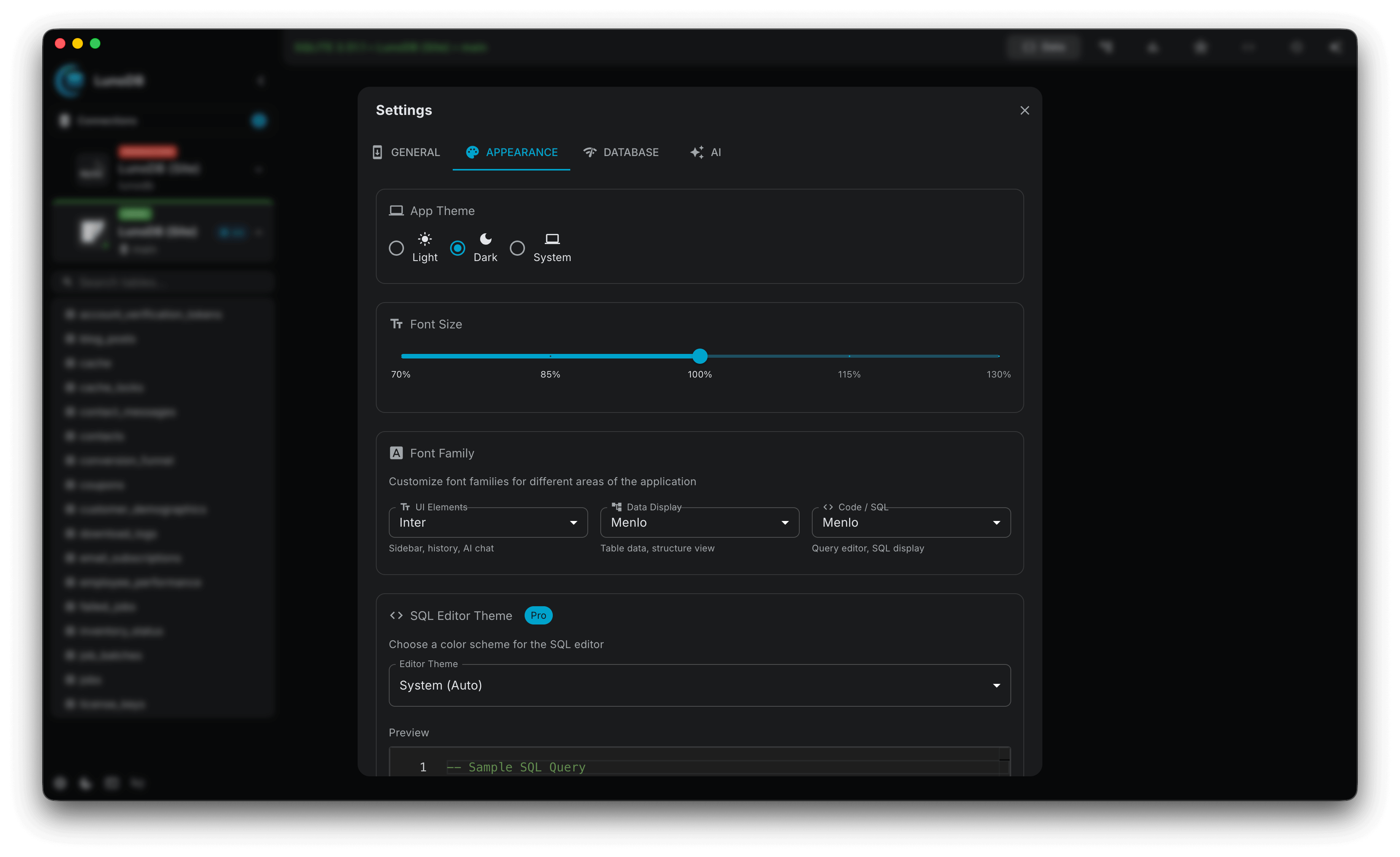
- Dark and light themes
- System preference detection
- 10 Monaco editor themes
- Custom theme creation
Display Options
- Font size adjustment (100-200%)
- Monaco font option
- Sidebar collapse/expand
- Window state persistence
- Markdown-formatted release notes
- Report issue integration in Help menu
Keyboard Shortcuts
LunoDB includes 50+ keyboard shortcuts for efficient navigation and operation.
Essential Shortcuts
⌘K/Ctrl+K- Command palette⌘Enter/Ctrl+Enter- Execute query⌘S/Ctrl+S- Save changesF5- Refresh data
AI Shortcuts
⌘B/Ctrl+B- AI SQL Builder⌘L/Ctrl+L- AI Filter⌘J/Ctrl+J- AI Chat
Security
LunoDB prioritizes security at every level, from encrypted connections to secure credential storage.
Connection Security
- • SSL/TLS encryption
- • SSH tunneling support
- • Certificate validation
- • Secure key storage
Data Protection
- • Encrypted API keys
- • Password encryption
- • No data retention
- • Schema-only AI mode
Licensing
Free Tier
- 2 database connections
- All core features included
- No time limit
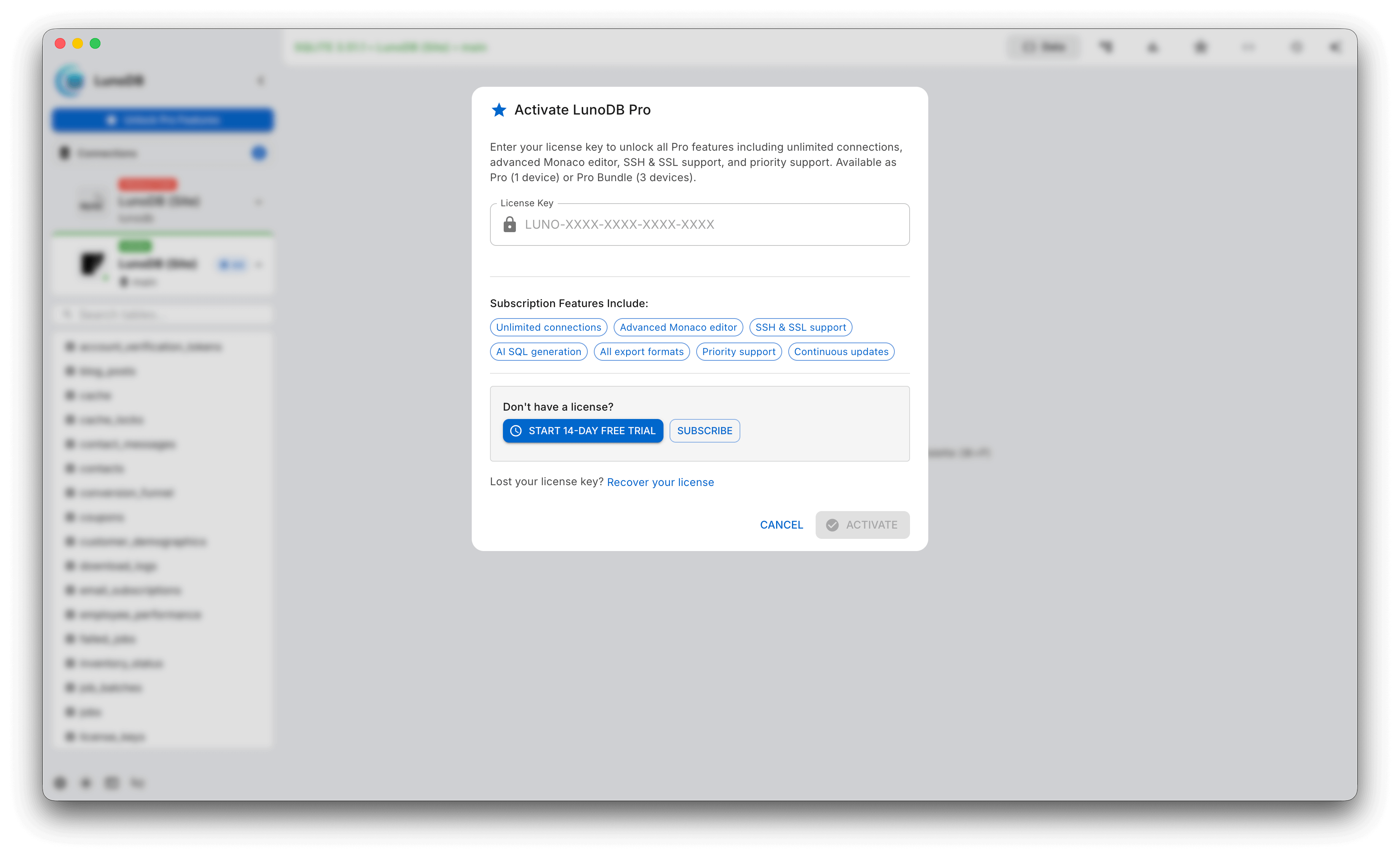
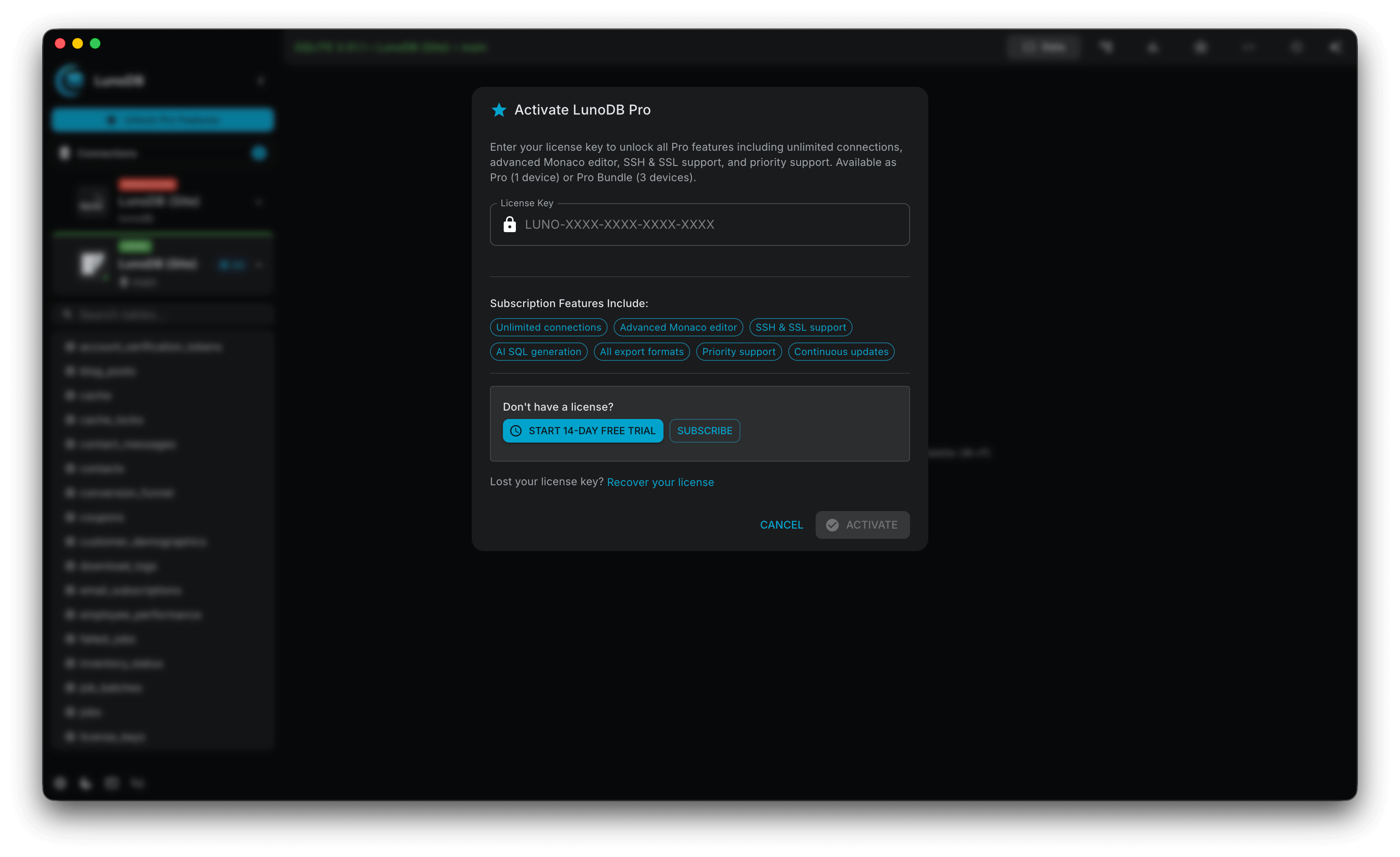
Pro Tier
- Unlimited connections
- Priority support
- Early access to new features
Platform Support
macOS
- Universal binary (Intel & Apple Silicon)
- Native menu bar & context menus
- Translucent vibrancy effect
- Code signed & notarized
Windows
- Windows 10/11 support
- Native installer & context menus
- Mica backdrop material
- Azure AD integration
Linux
- .deb & .rpm packages
- ARM64 support
- GTK theme support
Advanced Features
Performance Optimization
- Virtual scrolling for large datasets
- Lazy loading of components
- Smart caching with visual indicators
- Connection pooling
Auto-Update System
LunoDB includes built-in automatic updates with varying levels of automation by platform:
- macOS & Windows: Fully automatic updates that download and install seamlessly in the background
- Linux AppImage: Fully automatic updates without requiring passwords
- Linux DEB: Semi-automatic (download automatically, require password to install)
- Linux RPM: Notification of new versions with GitHub download link
- In-app release notes display for all versions
File Associations
LunoDB automatically handles these file types:
.sql.db.sqlite.sqlite3.db3.s3db.sl3.lunobackupSettings & Configuration
Application Settings
- • Theme selection (syncs across all windows)
- • Font size (extra-small to extra-large)
- • Cross-window settings synchronization
- • Auto-save options
- • Telemetry configuration
AI Settings
- • Provider selection
- • API key management
- • Model selection
- • Privacy options
Sound Settings
- • Individual sound controls per event
- • Notification sounds
- • Query execution sounds
- • Connection sounds
- • Snackbar notification sound
Display Settings
- • Figtree and Inter fonts for modern UI
- • Enhanced light mode colors
- • Editor defaults to system theme
- • Improved scrollbar styling
Haven't found what you're looking for?
Need more help? Contact our support team or connect with us on social media for updates