Your Database, Your Pocket
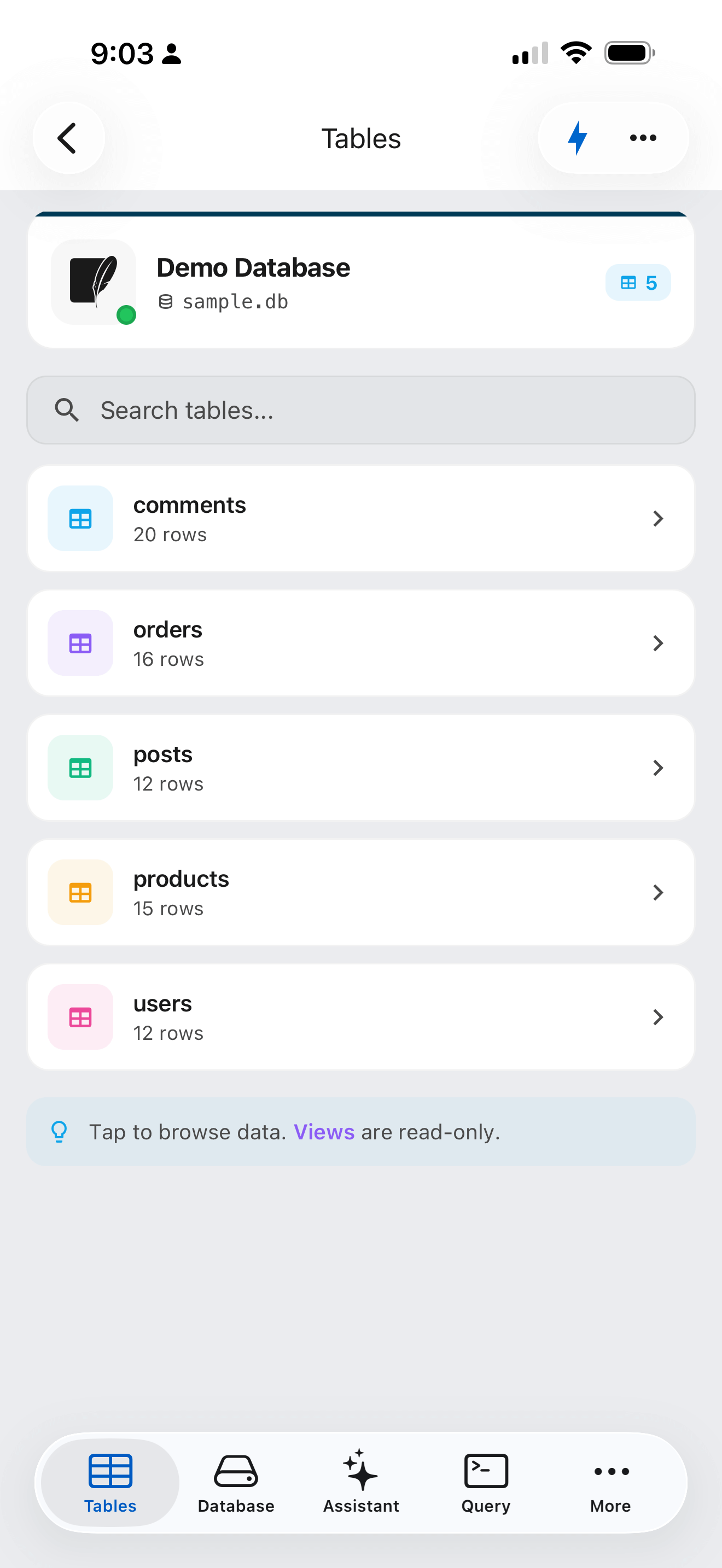
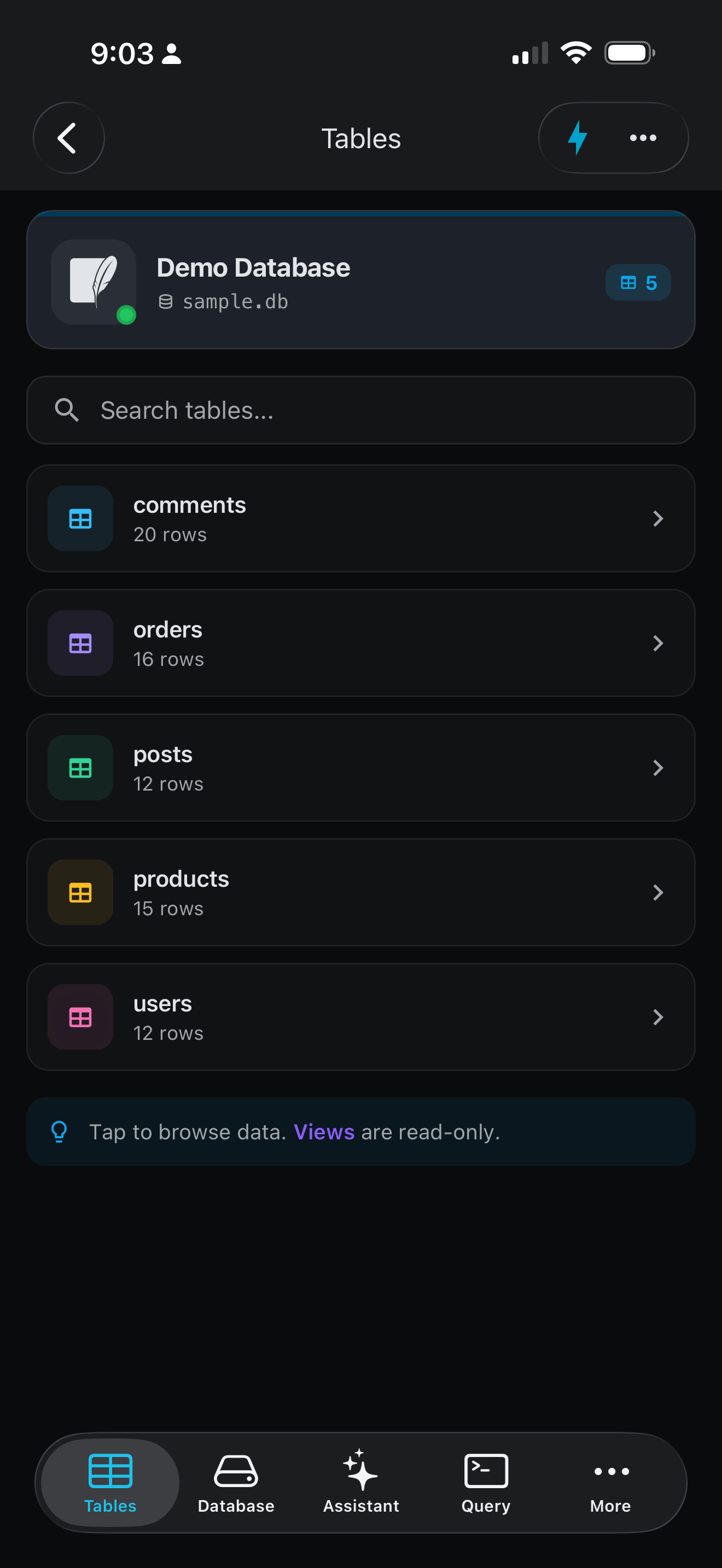
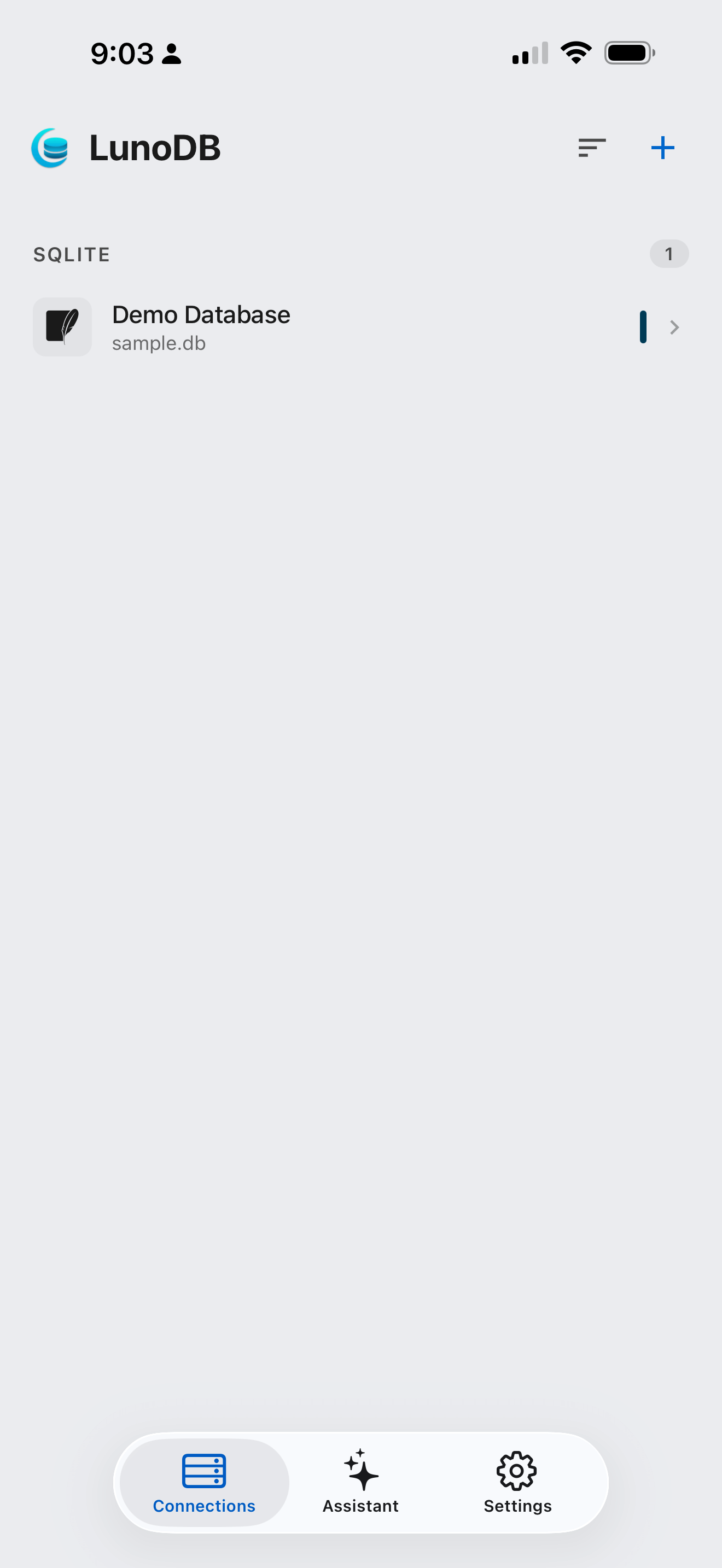
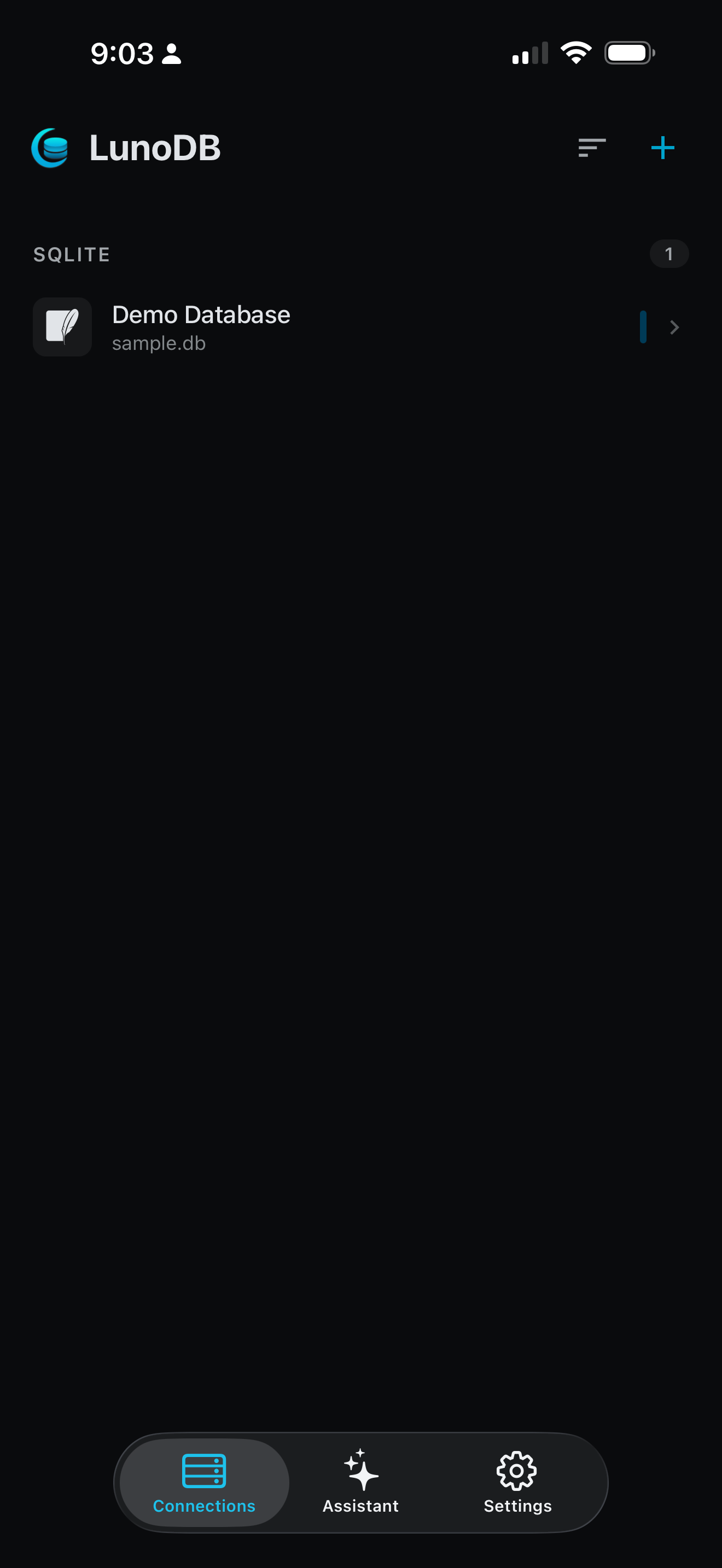
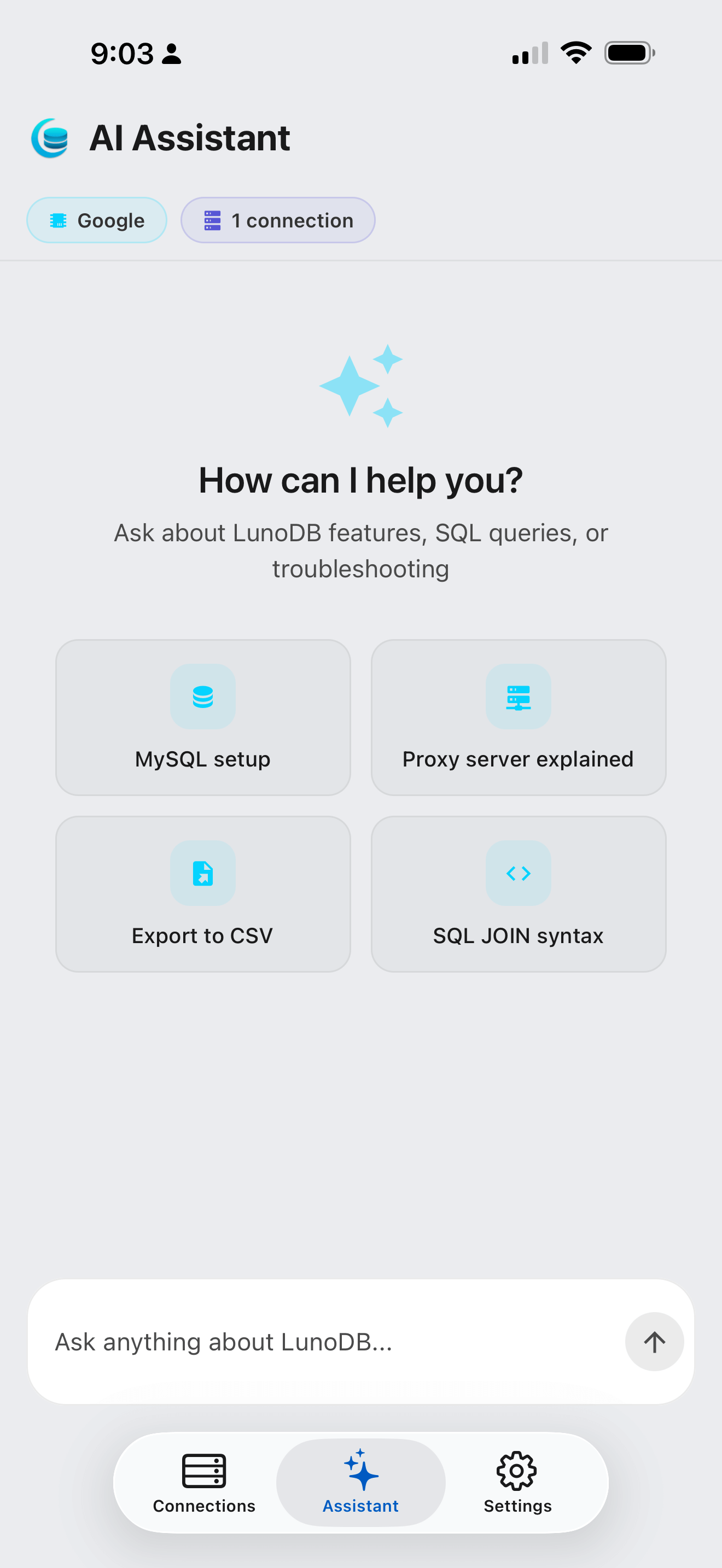
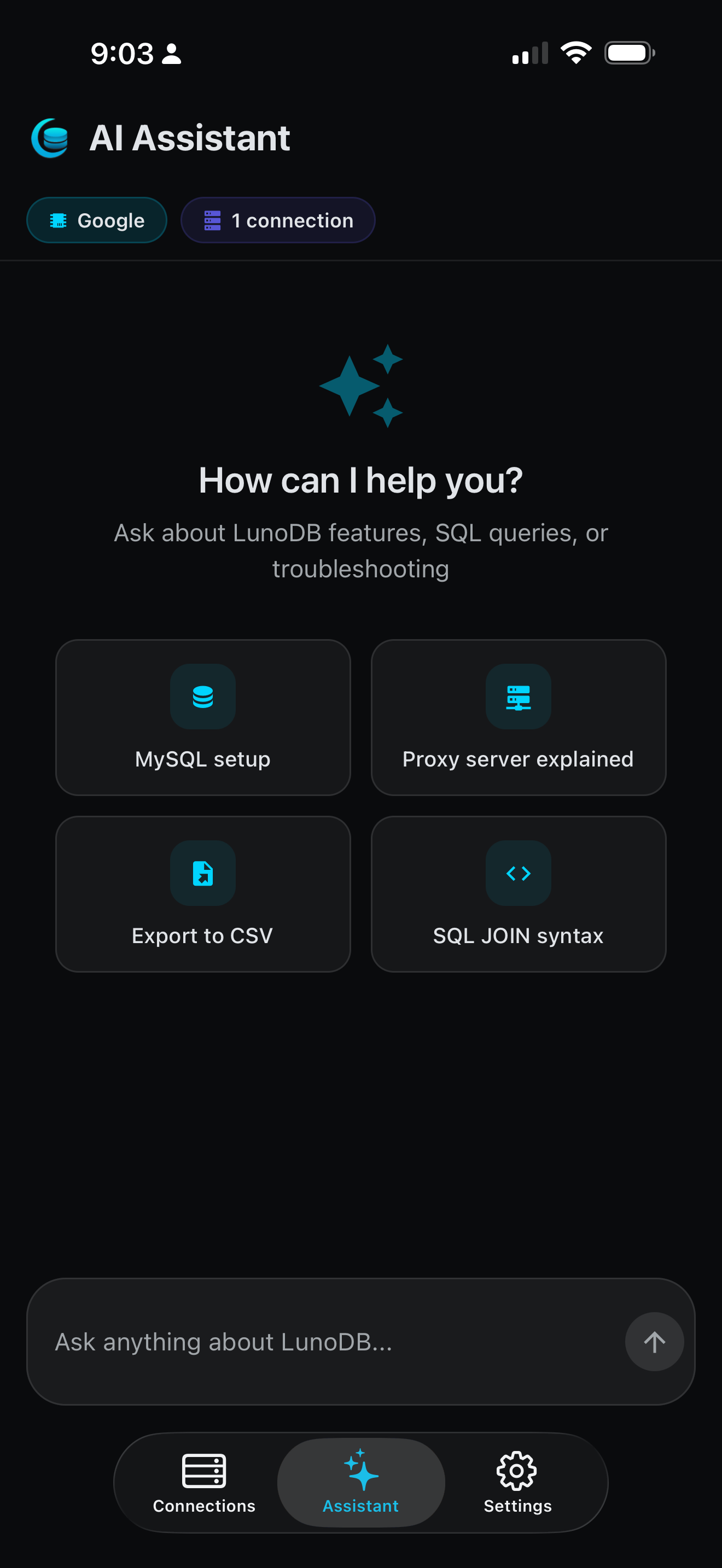
LunoDB Mobile brings the full power of database management to your iPhone and iPad, with Android coming soon. Whether you're debugging in a meeting, checking production data on the go, or just want to run a quick query from your couch, LunoDB Mobile has you covered.
Built with the same attention to detail as our desktop app, LunoDB Mobile features AI-powered SQL generation, intuitive data browsing, and secure cloud connections that work seamlessly with your existing databases.
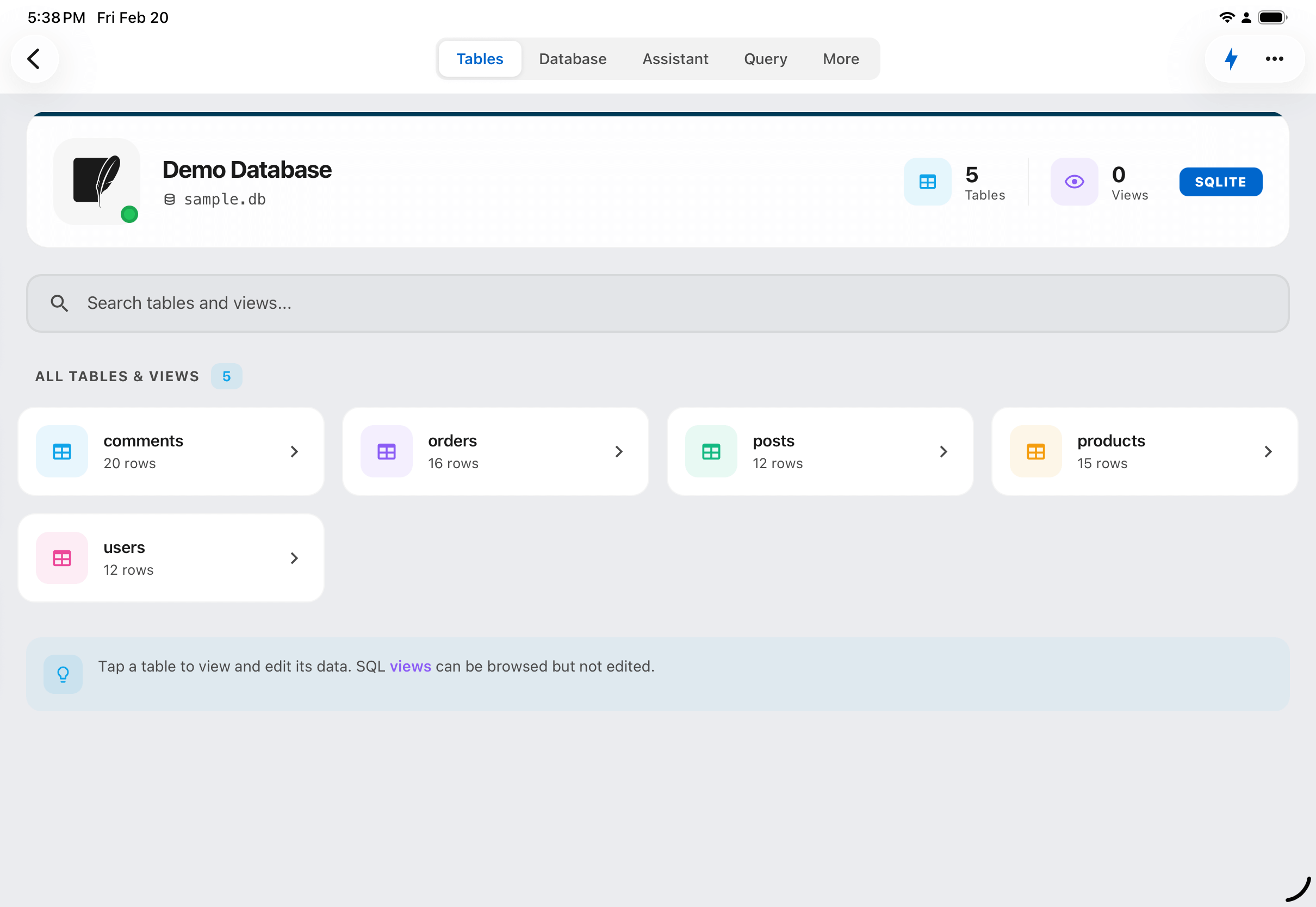
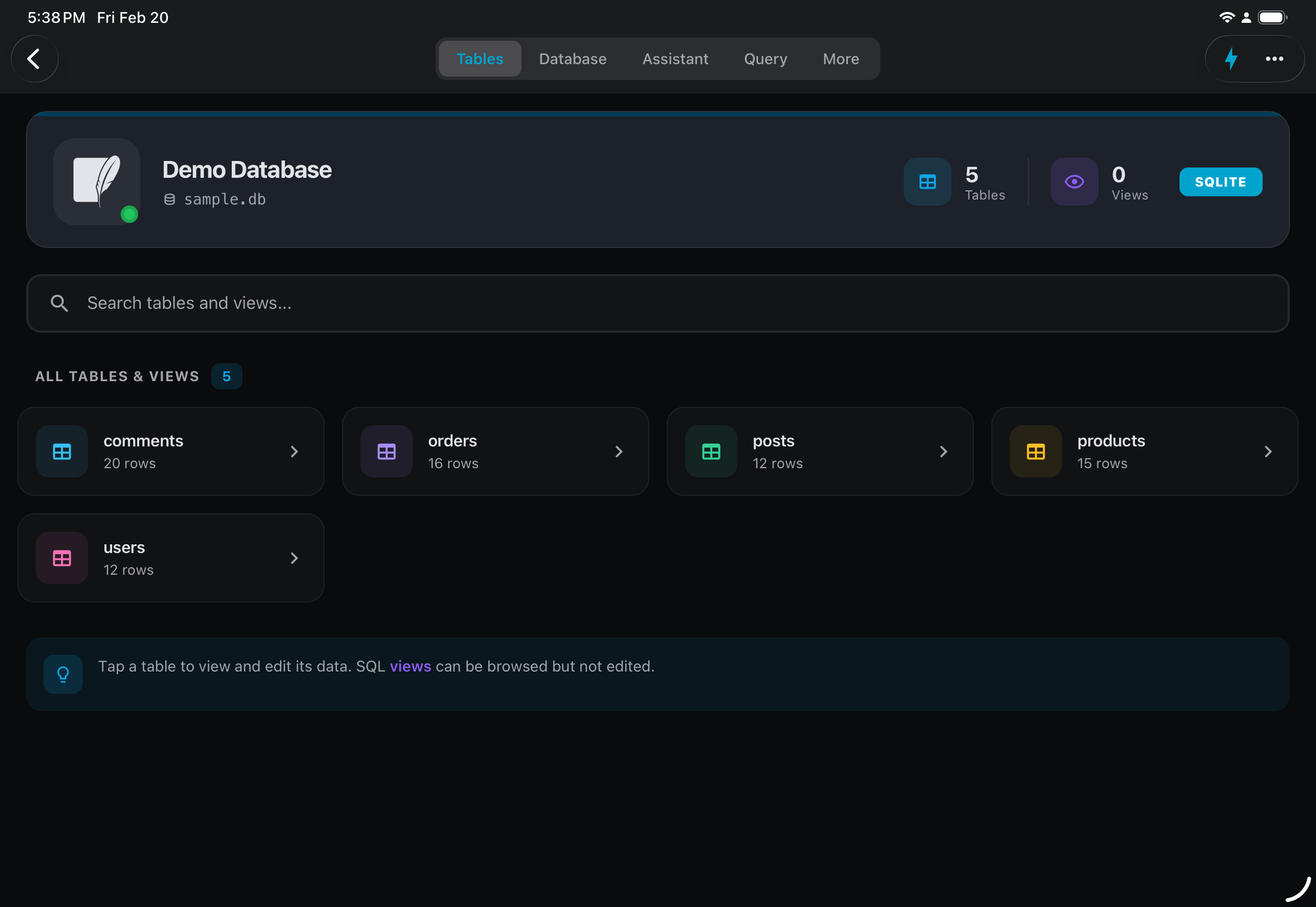
Beautiful on iPad
LunoDB takes full advantage of the iPad's larger screen, giving you more room to browse tables, write queries, and manage your data.
Database Support
MySQL
5.7+ (via Cloud)
PostgreSQL
10+ (via Cloud)
MariaDB
10.0+ (via Cloud)
SQLite
Local files (direct)
Turso
libSQL (direct HTTPS)
MongoDB
4.4+ (via Cloud)
SQL Server
Desktop only
AI Features
Write SQL using plain English. LunoDB Mobile supports multiple AI providers, letting you use your existing API keys.
OpenAI
GPT-6 Astra, GPT-5.6 Sol
Anthropic
Claude Fable 5.1, Opus 5, Sonnet 5
Gemini 3.8 Flash, 3.7 Flash
xAI
Grok 4.1 Fast
Bring your own API key. AI features use your personal API keys. Your keys stay on your device and are only sent to the AI provider you choose.
Data Management
Browse Tables
View your database structure and browse table data with intuitive navigation.
Advanced Filtering
Filter data using the visual builder or let AI create filters from plain English.
Import & Export
Import SQLite files from your device or cloud storage. Export results to CSV, JSON, or SQL.
Advanced Features
Dashboard
See your query activity, most-used connections, and saved charts at a glance
Charts & Home Screen Widgets
Visualize your data and pin favorite charts to your home screen
ER Diagrams
See table relationships at a glance
QR Code Sync
Import connections from desktop instantly
Deep Links & Query History
Open connections directly and access recent queries anytime
LunoDB Cloud
Secure Connection Gateway
MySQL, PostgreSQL, MariaDB, and MongoDB connect through LunoDB Cloud, our secure connection gateway. Traffic between your device and LunoDB Cloud is encrypted with HTTPS, so your connections stay protected even on public networks. Turso and SQLite connect directly - no proxy needed.
- Encrypted HTTPS between your device and LunoDB Cloud
- Connections saved only on your device
- Query results are never stored on our servers
- Reach private databases through an SSH tunnel
Desktop vs Mobile
| Feature | Desktop | Mobile |
|---|---|---|
| Database Support | ||
| MySQL | ||
| PostgreSQL | ||
| MariaDB | ||
| SQLite | ||
| Turso | ||
| MongoDB | ||
| SQL Server | Coming Soon | |
| Core Features | ||
| Query Editor | ||
| Data Editing | ||
| Advanced Filtering | ||
| Export (CSV, JSON, SQL) | ||
| AI SQL Generation | ||
| Advanced Features | ||
| SSH Tunneling | Via Cloud | |
| Import Large SQL Files | Limited | |
| Charts & Graphs | ||
| Home Screen Widgets | ||
| Activity Dashboard | ||
| ER Diagrams | ||
| QR Code Sync | Export | Import |
| Connectivity | ||
| Direct Connection | Turso/SQLite | |
| LunoDB Cloud | MySQL/PG/MariaDB/MongoDB | |
Requirements
iOS
- iPhone with iOS 15.1 or later
- iPad with iPadOS 15.1 or later
- Home screen widgets need iOS 17 or later
- Active internet connection for remote databases
- No network needed for local SQLite databases
Android
- Coming soon
- Tap "Notify Me for Android" to hear when it launches
Ready to Take LunoDB Mobile?
Download free on iOS. It's completely free, forever.