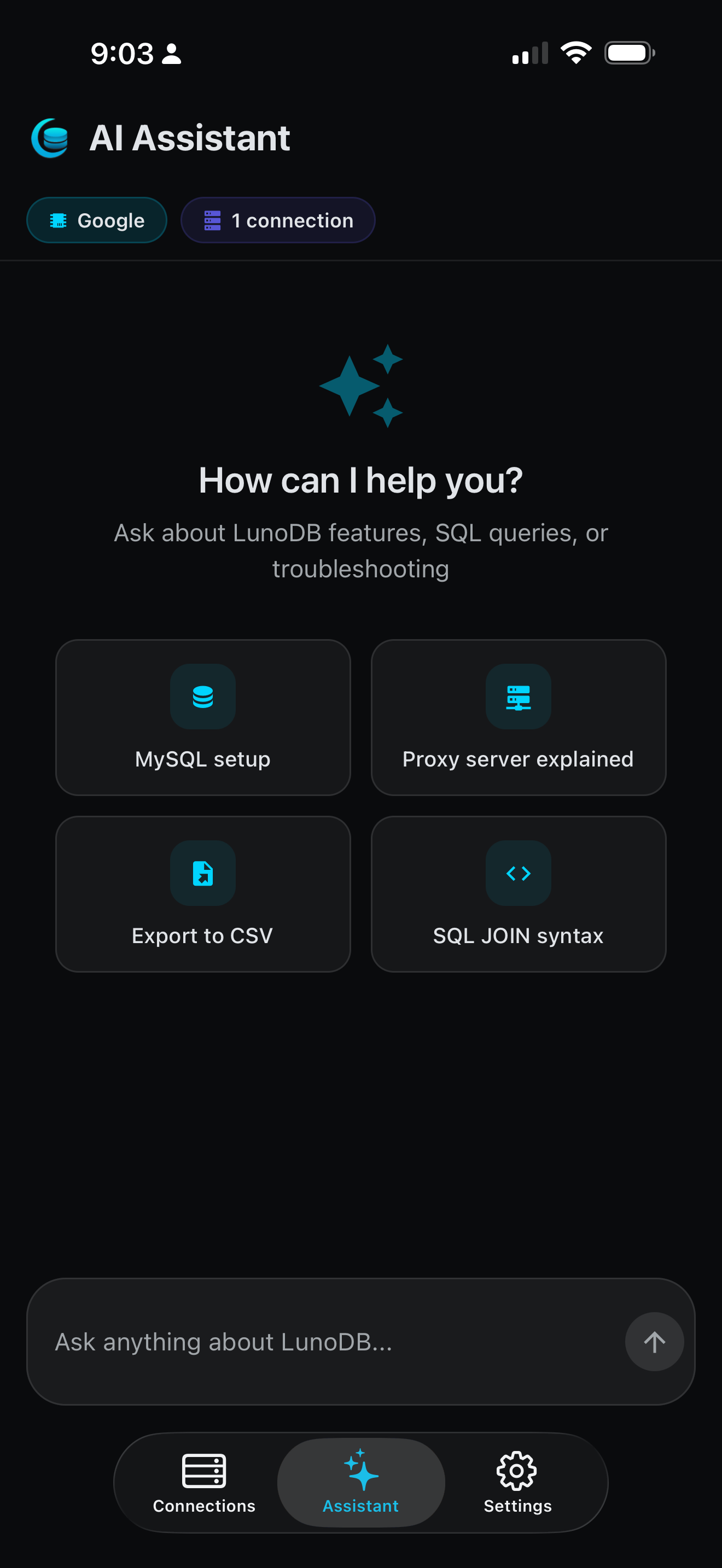
Your Database, Your Pocket
LunoDB Mobile brings the full power of database management to your iOS and Android devices. Whether you're debugging in a meeting, checking production data on the go, or just want to run a quick query from your couch, LunoDB Mobile has you covered.
Built with the same attention to detail as our desktop app, LunoDB Mobile features AI-powered SQL generation, intuitive data browsing, and secure cloud connections that work seamlessly with your existing databases.
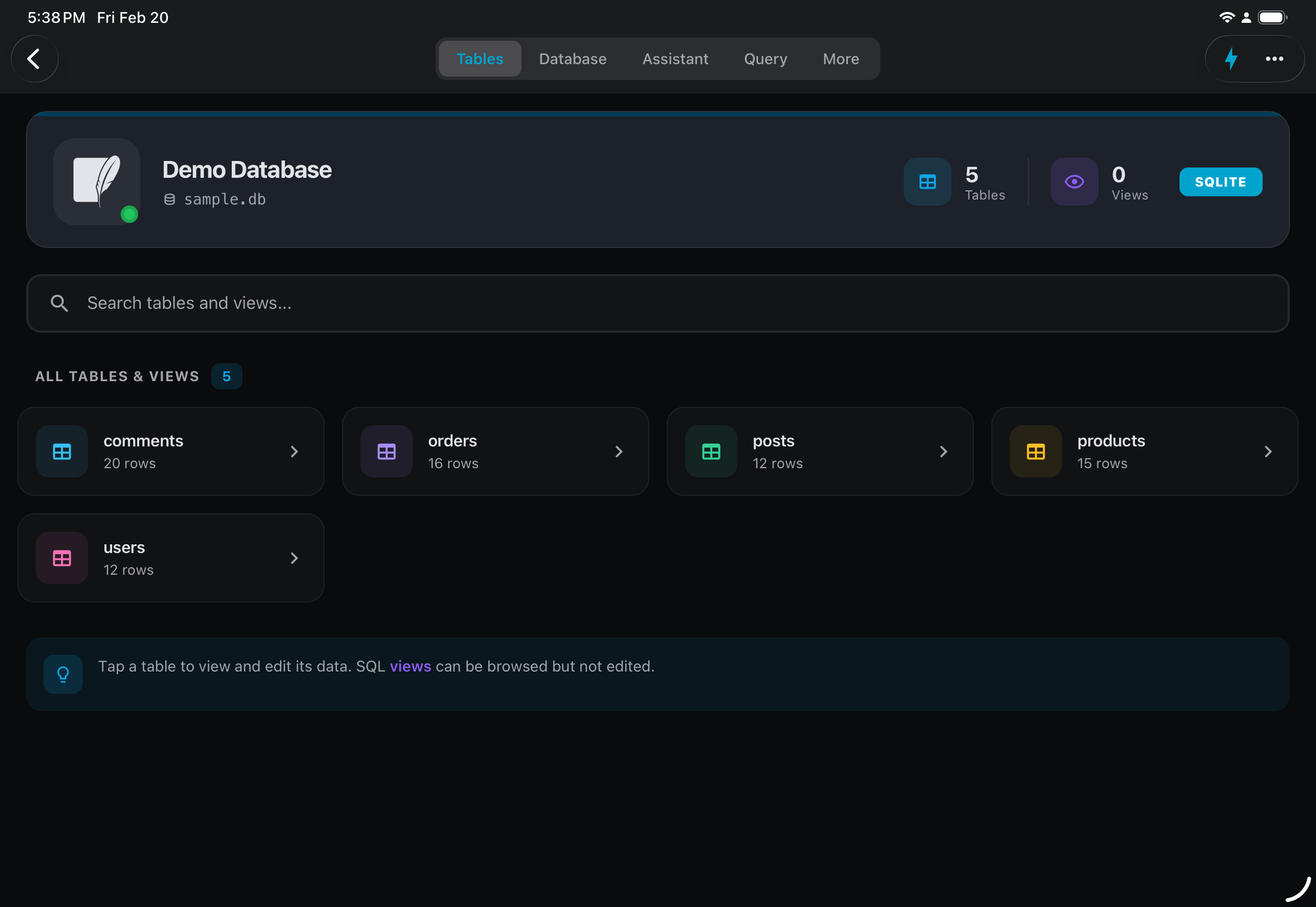
Beautiful on iPad
LunoDB takes full advantage of the iPad's larger screen, giving you more room to browse tables, write queries, and manage your data.
Database Support
MySQL
5.7+ (via Cloud)
PostgreSQL
10+ (via Cloud)
MariaDB
10.0+ (via Cloud)
SQLite
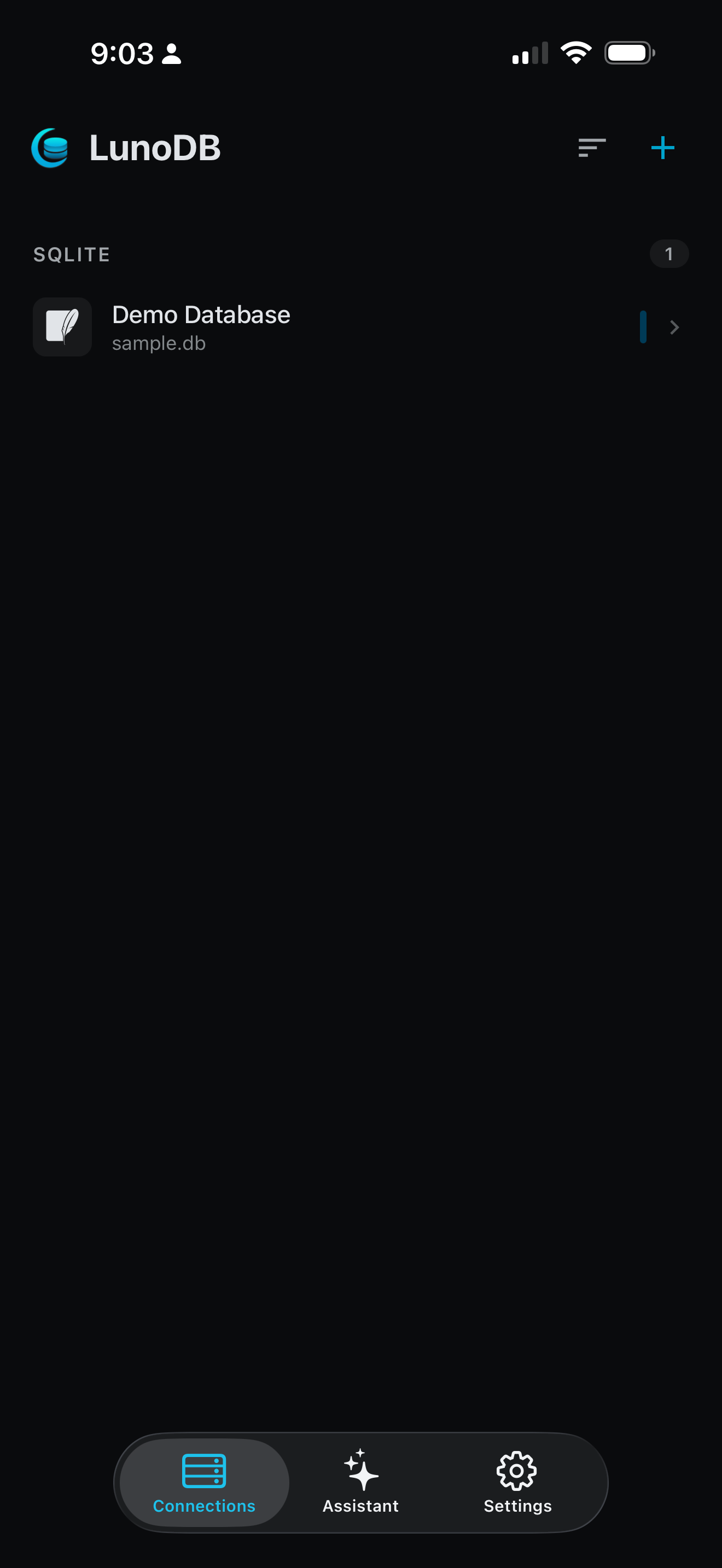
Local files (direct)
Turso
libSQL (direct HTTPS)
MongoDB
4.4+ (via Cloud)
SQL Server
Desktop only
AI Features
Write SQL using plain English. LunoDB Mobile supports multiple AI providers, letting you use your existing API keys.
OpenAI
GPT-5.4, GPT-5.3 Codex
Anthropic
Claude Opus 4.6, Sonnet 4.6
Gemini 3.1 Pro, 3 Flash
xAI
Grok 4.1
Bring your own API key. AI features use your personal API keys. Your keys are stored securely on your device and never shared.
Data Management
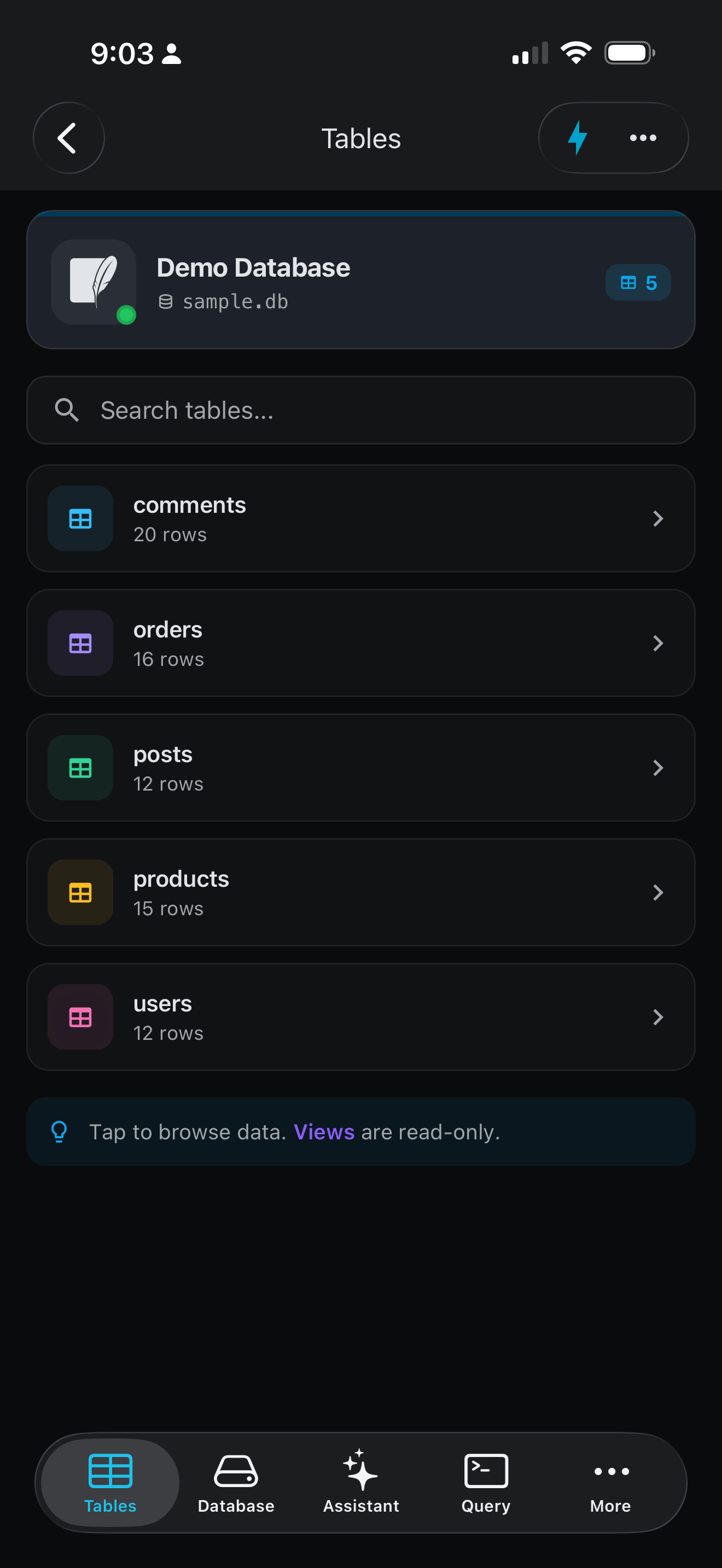
Browse Tables
View your database structure and browse table data with intuitive navigation.
Advanced Filtering
Filter data using the visual builder or let AI create filters from plain English.
Import & Export
Import SQLite files from your device or cloud storage. Export results to CSV, JSON, or SQL.
Advanced Features
Charts & Home Screen Widgets
Visualize your data and pin favorite charts to your home screen
ER Diagrams
See table relationships at a glance
QR Code Sync
Import connections from desktop instantly
Deep Links & Query History
Open connections directly and access recent queries anytime
LunoDB Cloud
Secure Connection Gateway
MySQL, PostgreSQL, and MariaDB connect through LunoDB Cloud, our secure connection gateway. This ensures your database connections are encrypted and protected, even on public networks. Turso and SQLite connect directly - no proxy needed.
- End-to-end encrypted connections
- Credentials stored securely on your device
- No data stored on our servers
- Works with databases behind firewalls
Desktop vs Mobile
| Feature | Desktop | Mobile |
|---|---|---|
| Database Support | ||
| MySQL | ||
| PostgreSQL | ||
| MariaDB | ||
| SQLite | ||
| Turso | ||
| MongoDB | ||
| SQL Server | Coming Soon | |
| Core Features | ||
| Query Editor | ||
| Data Editing | ||
| Advanced Filtering | ||
| Export (CSV, JSON, SQL) | ||
| AI SQL Generation | ||
| Advanced Features | ||
| SSH Tunneling | Via Cloud | |
| Import Large SQL Files | Limited | |
| Charts & Graphs | ||
| Home Screen Widgets | ||
| ER Diagrams | ||
| QR Code Sync | Export | Import |
| Connectivity | ||
| Direct Connection | Turso/SQLite | |
| LunoDB Cloud | Optional | MySQL/PG/MariaDB |
Requirements
iOS
- iPhone with iOS 16 or later
- iPad with iPadOS 16 or later
- Active internet connection for remote databases
Android
- Android 10 or later
- Active internet connection for remote databases
- No network needed for local SQLite databases
Ready to Take LunoDB Mobile?
Download free on iOS. It's completely free, forever.