Looking for a Navicat alternative?
Navicat is a long-established database suite with a price to match. LunoDB covers the everyday work, adds an AI assistant and charts, and costs $10 for Pro.
LunoDB is a good fit if you want…
- A $10 Pro license instead of $1,499
- ClickHouse, DuckDB, BigQuery, Cassandra or Firestore
- AI with the provider you choose, including Apple Intelligence on your Mac
- A free iPhone and iPad app
Navicat may suit you if you need…
- Built-in data modeling and BI tools (Enterprise edition)
- GaussDB, OceanBase or PolarDB
LunoDB vs Navicat
Both run on Mac, Windows and Linux, with a free version and a paid one. Here’s where they differ.
| Feature | LunoDB | Navicat |
|---|---|---|
| Price | $10 once for 1 device, $20 for 3 devices, or $1.99 a month | Navicat Premium: $1,499 (Standard) or $1,999 (Enterprise), per user, perpetual |
| Updates | 1 year included, then $10 to renew | 1 year of maintenance included, then $319.84 for another year |
| Free version | Never expires: 2 saved connections, a basic SQL editor, CSV export and AI with your own key | Navicat Premium Lite: free for commercial and non-commercial use, up to 5 users per organization, with core features |
| Databases | 23 kinds, including ClickHouse, DuckDB, BigQuery, Cassandra and Firestore | MySQL, PostgreSQL, SQL Server, Oracle, SQLite, MariaDB, MongoDB, Redis and Snowflake |
| AI | An assistant with 9 providers, AI filters, insights and chart suggestions | AI Assistants in Navicat Premium |
| Platforms | macOS, Windows and Linux, plus a free iPhone and iPad app | Windows, macOS and Linux; one license works on any of them |
Navicat details are from its website and store, in USD, checked on 24 November 2026: Navicat Premium, Navicat Premium Lite, Navicat store. Tell us if something has changed.
Built for working with your data, not just browsing it
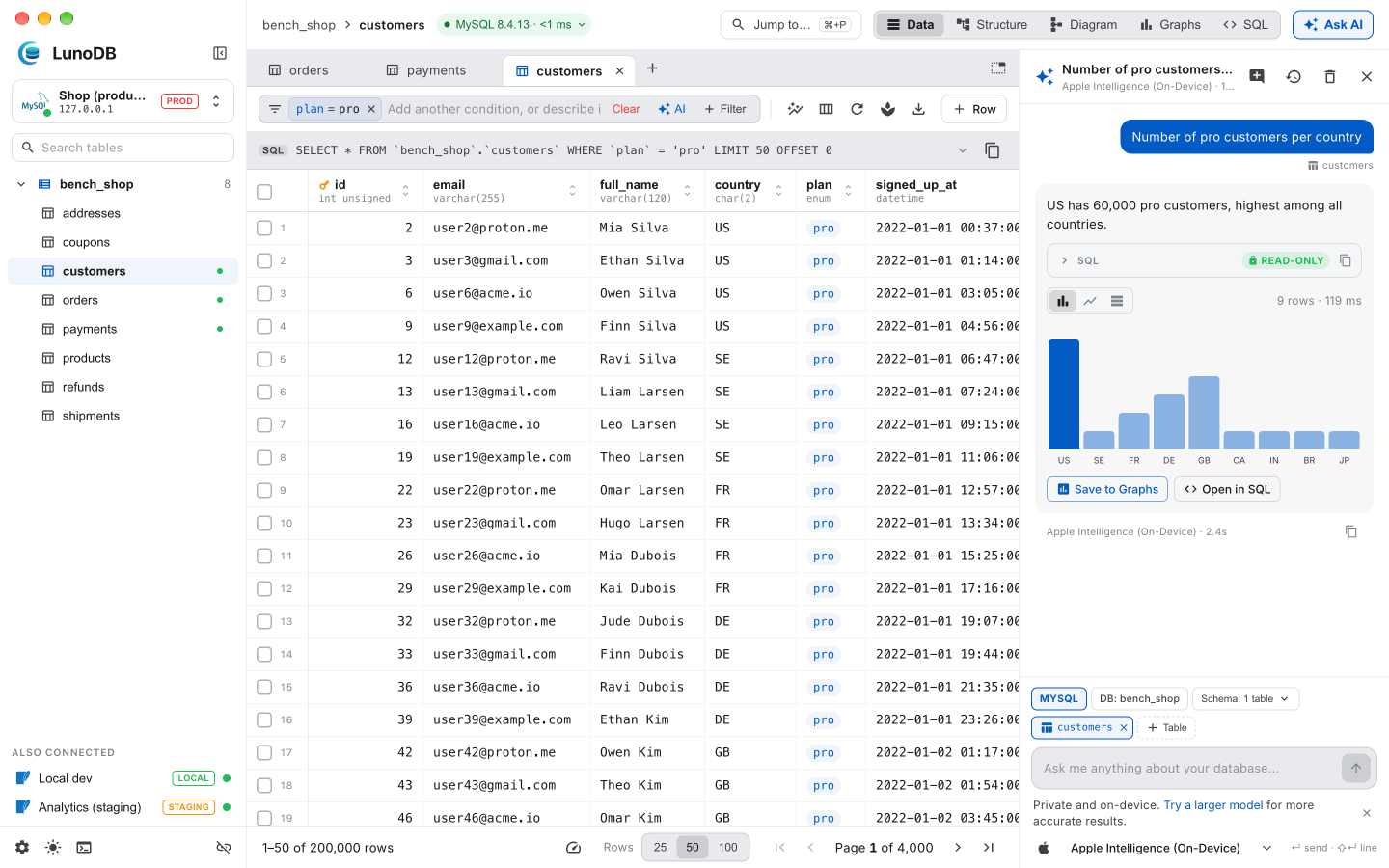
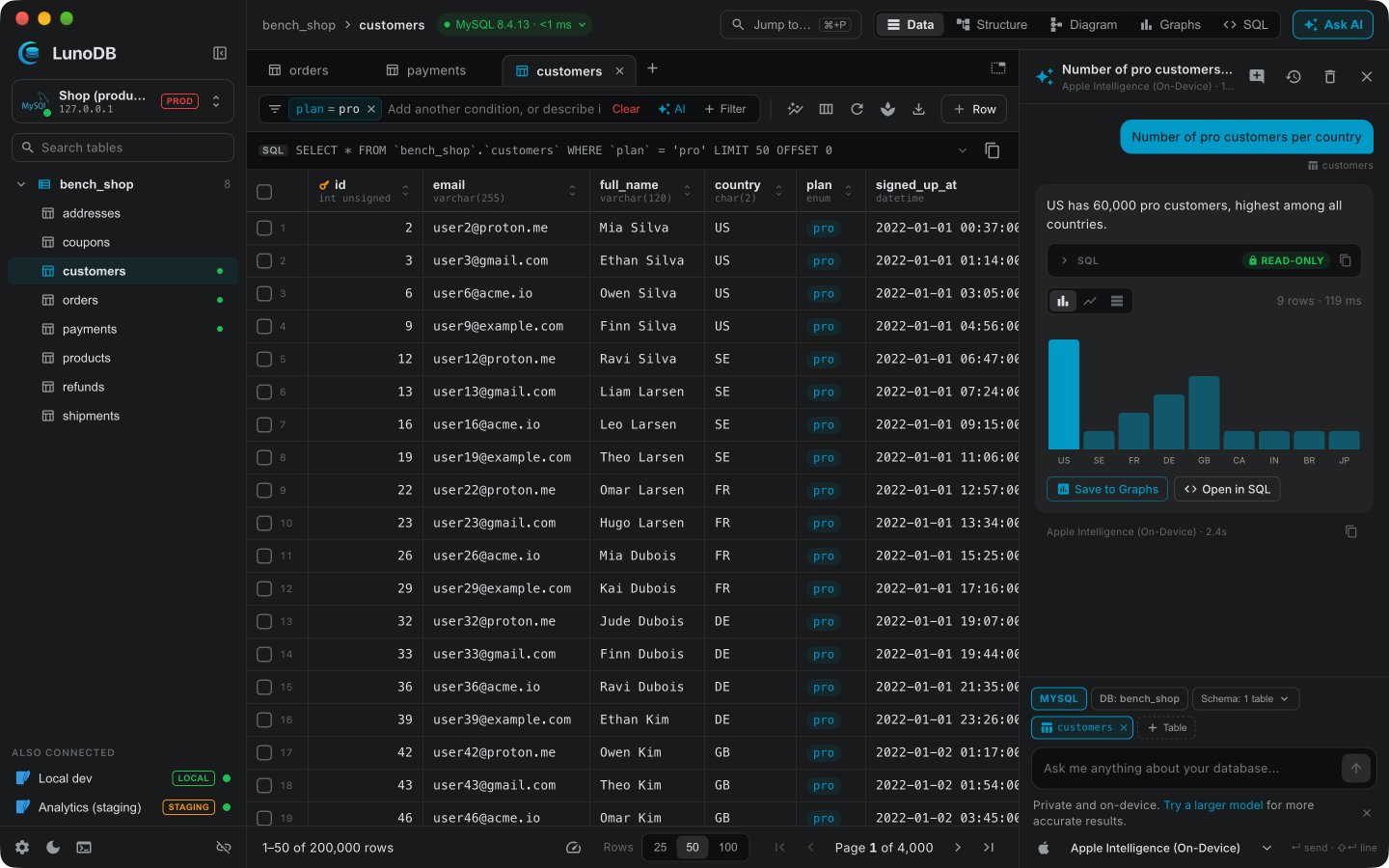
Answers, with the SQL and a chart
Ask a question in plain English. With Pro, the assistant runs one read-only query and shows the answer, the SQL behind it and a chart you can save. Anything that would change data is shown for review and never run for you. Filter a table by describing what you want, on any plan.
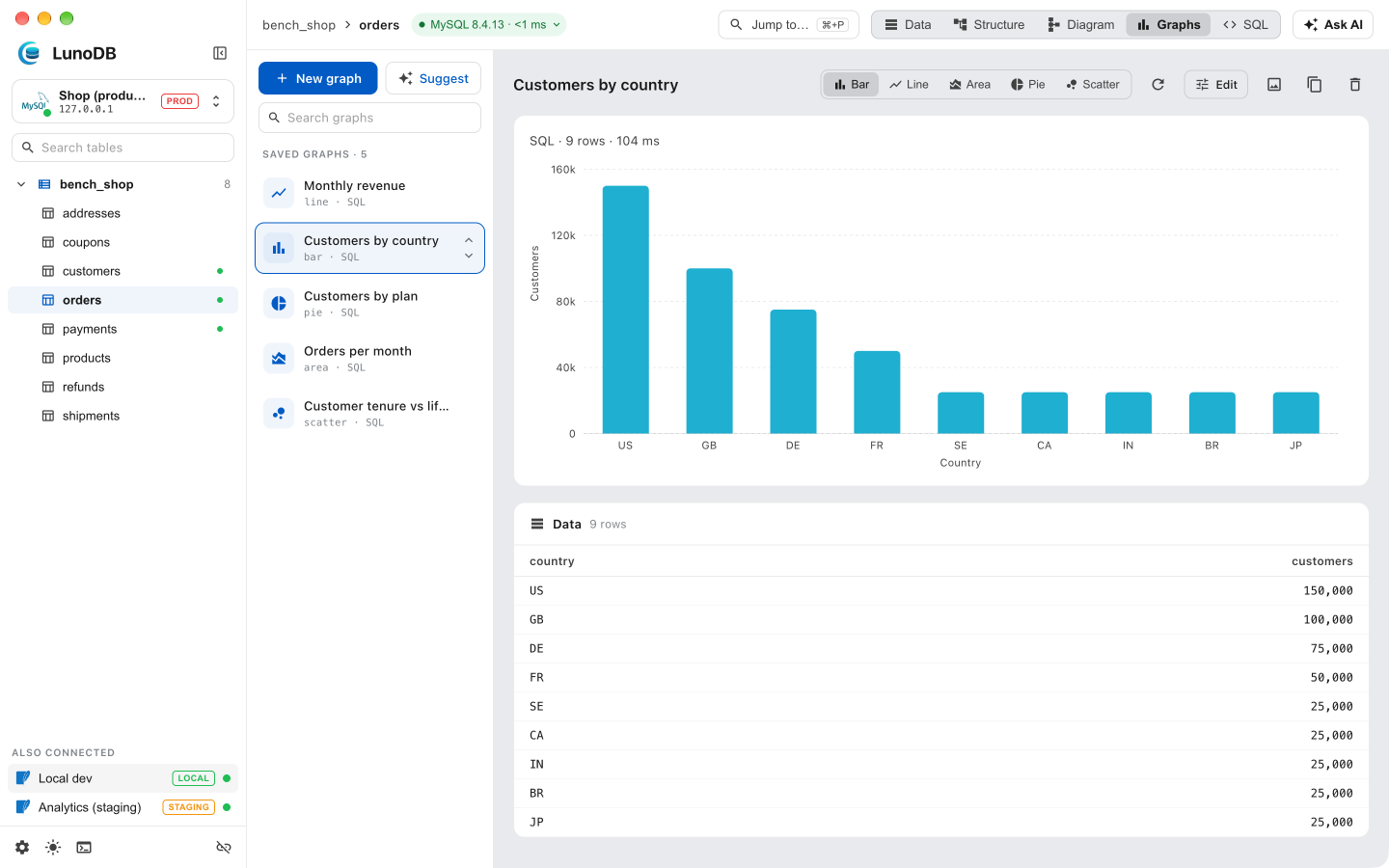
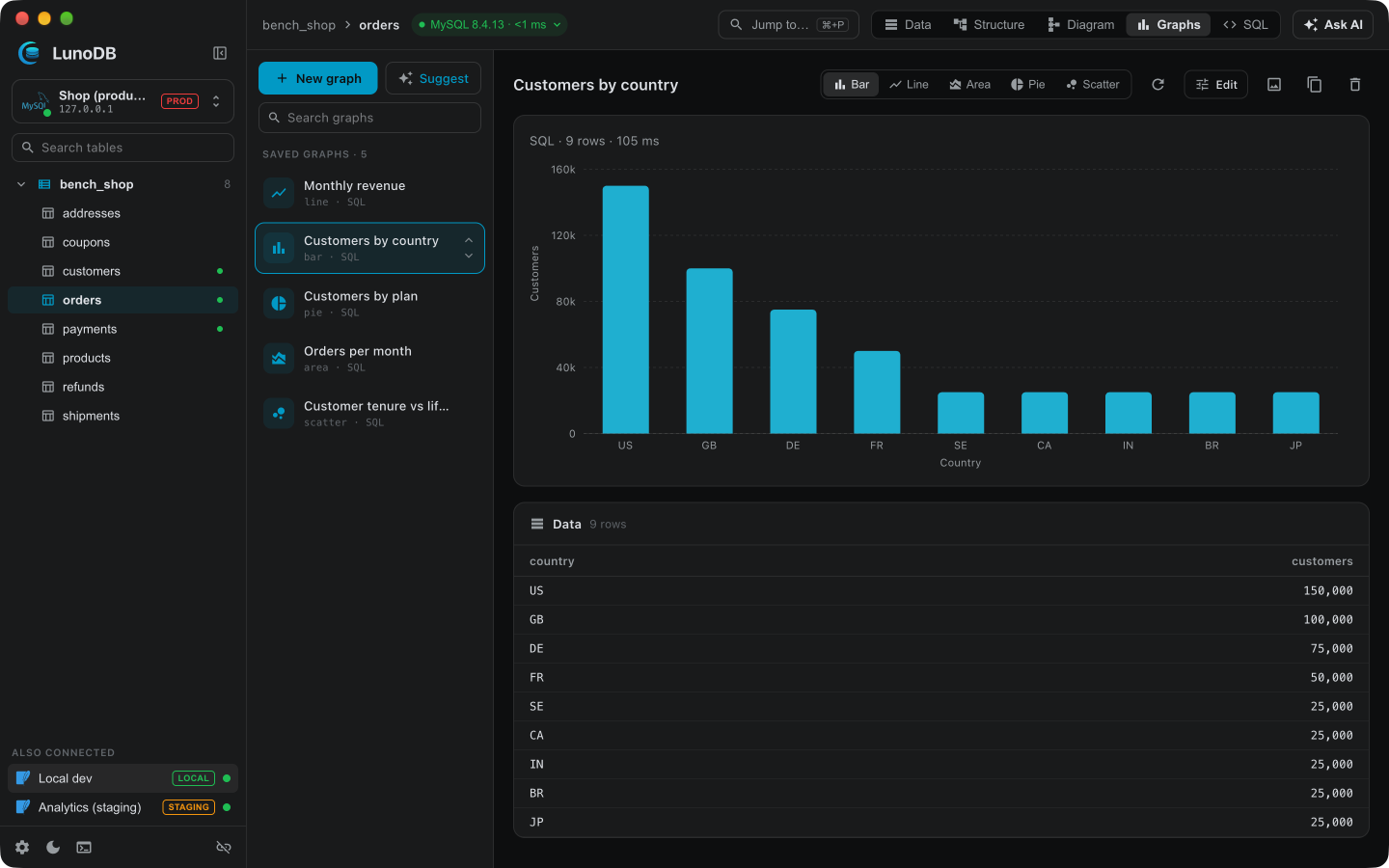
Charts from any query
Pick the X and Y columns, or let AI suggest the chart. Line, bar, area, pie and scatter, saved with your backups and synced to the iPhone app. Graphs are part of Pro.
Production stays safe
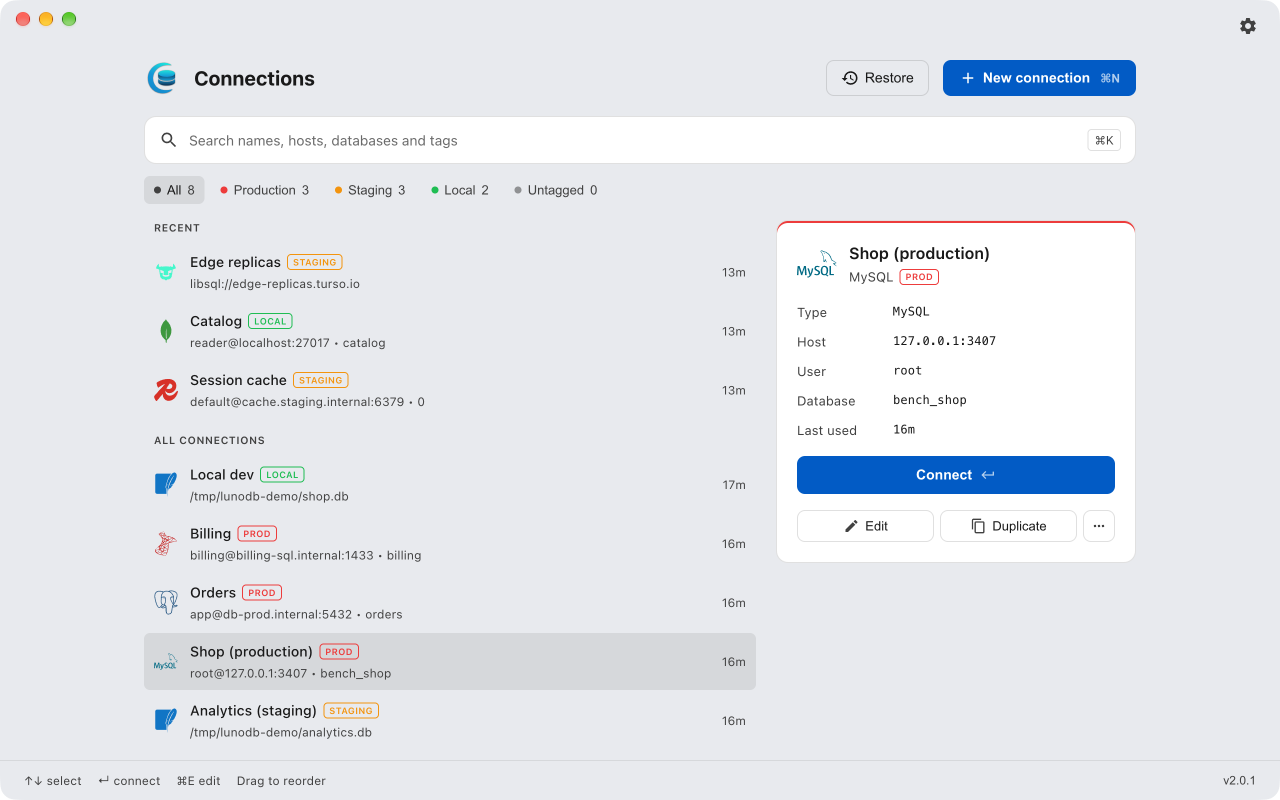
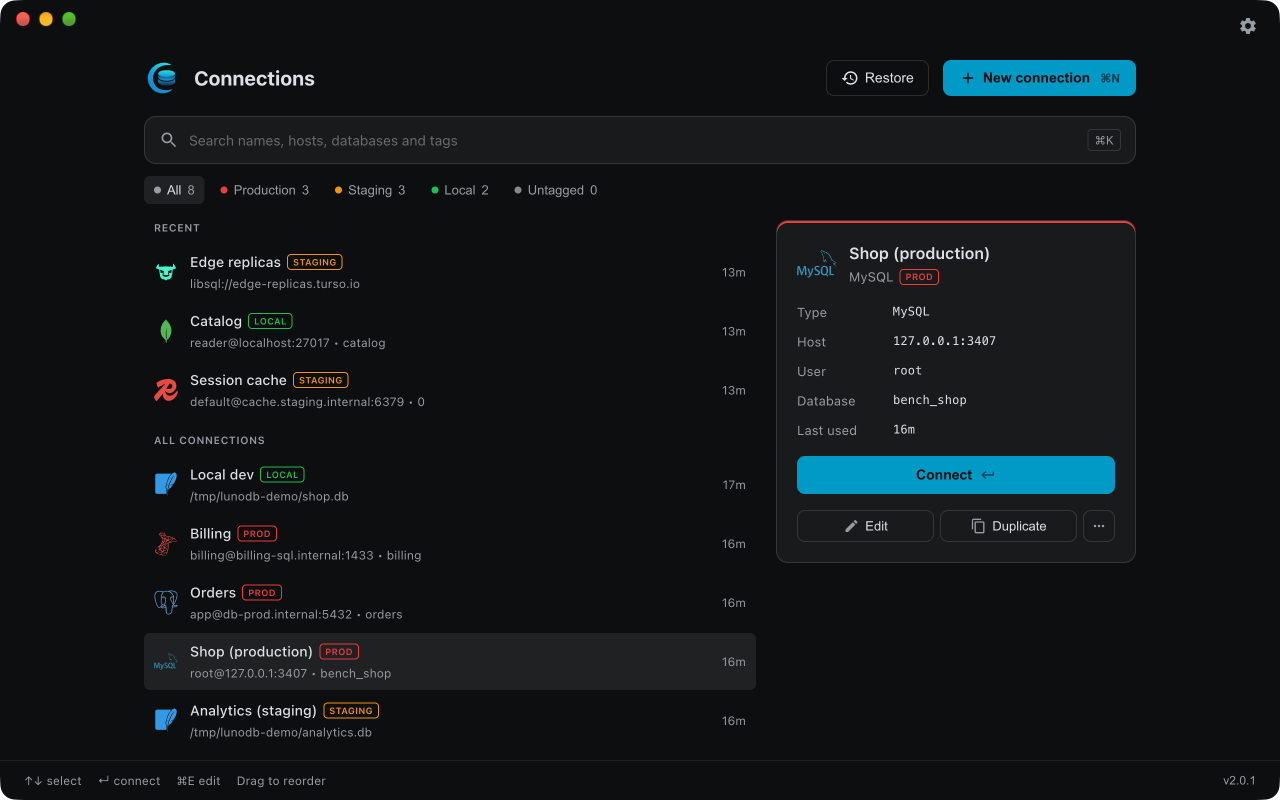
Tag each connection Prod, Staging or Local. Prod connections ask before every save, delete and schema change, optionally with Touch ID, and Review shows the exact SQL before anything runs.
$10, not $1,499
Pro is $10 once with a year of updates, or $1.99 a month. Renewing is another $10, and Pro keeps working if you don’t.
Apple Intelligence
On Apple silicon Macs, use on-device Apple Intelligence with no API key and nothing leaving your machine. Ollama works too.
Free iPhone and iPad app
LunoDB Mobile is free. Scan a QR code on your computer to bring MySQL, PostgreSQL, SQL Server, MongoDB and Turso connections over.
Moving over takes a few minutes
- Step 1
Download LunoDB
It’s free, with no account needed. Start the 14-day Pro trial with just your email if you want everything on day one.
- Step 2
Add your connections
LunoDB can’t read Navicat’s connection list, so add them one at a time. If you have a connection URL like postgres://user@host/db, paste it into New connection and LunoDB fills in the fields.
- Step 3
Tag production
Mark live databases as Prod so LunoDB asks before every change. SSL/TLS works on every plan; SSH tunnels are part of Pro.
- Step 4
Add an AI provider
Paste a key from OpenAI, Anthropic or another provider, or pick Ollama or Apple Intelligence to stay on your machine.
Step-by-step help is in the desktop docs, and every feature is on the LunoDB Desktop page.
Questions
Is LunoDB free?
Yes. The free version never expires and includes 2 saved connections, a basic SQL editor, table browsing, CSV export, SSL/TLS and the AI features with your own key. Pro adds unlimited connections, the full SQL editor, SSH tunnels, Graphs, AI answers from your data and more.
Does LunoDB work on Linux?
Yes. LunoDB ships AppImage, .deb and .rpm builds for x64 and arm64, alongside macOS and Windows.
Can I import my Navicat connections?
Not yet. Add them by hand, or paste a connection URL into New connection to fill in the fields.
Does LunoDB send my data anywhere?
The desktop app connects straight from your computer to your databases. AI features send your question and the schema to the provider you choose, or nowhere at all with Ollama or Apple Intelligence.
Try LunoDB next to Navicat
Free forever, no account needed. Keep both installed and see which one you reach for.
Download for macOSNavicat is a trademark of its owner. LunoDB isn’t affiliated with Navicat.